
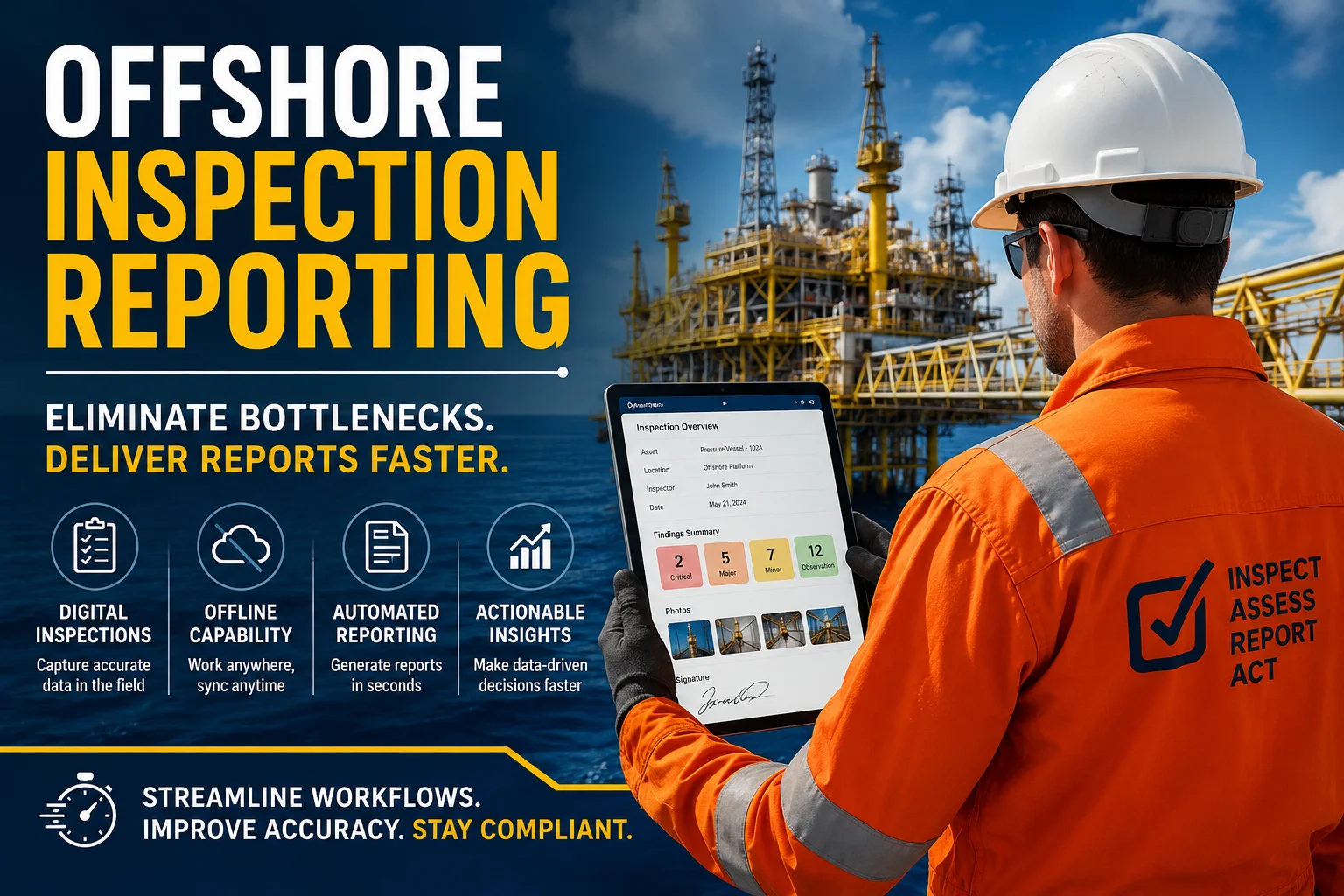
Offshore inspections generate a huge amount of critical information. Inspection findings, equipment condition, photographs, measurements, checklists, certificates, corrective actions, and compliance records all need to move from the field to the office.
However, collecting inspection data is only half the job.
The real challenge begins when offshore teams need to turn that data into accurate, reviewable, and client-ready reports. When inspectors rely on paper forms, spreadsheets, disconnected files, emails, and manual report templates, reporting can quickly become a bottleneck.
For offshore inspection companies, this can delay decision-making, slow down maintenance activities, increase administrative workloads, and make it harder to demonstrate compliance.
Fortunately, digital inspection software can significantly reduce these problems.
By connecting field inspections, inspection data, assets, findings, photographs, certificates, and reporting in one system, offshore teams can move from inspection data collection to final reporting much faster.
This guide explains how offshore inspection teams can eliminate reporting bottlenecks, improve inspection reporting workflows, and use digital inspection technology to create faster and more reliable reports.
An offshore inspection reporting bottleneck occurs when inspection information is collected in the field but takes too long to become a complete, accurate, and usable report.
For example, an inspector may complete an inspection offshore and collect:
However, that information may then need to be transferred manually into spreadsheets or Word templates.
Next, another team member may review the information. After that, someone may format the report, insert photographs, check missing information, add certificates, and send the final document to the client.
As a result, a field inspection that takes several hours can create many more hours of administrative work.
A typical manual workflow may look like this:
Inspector → Paper/Spreadsheet → Data Entry → Review → Report Formatting → Corrections → Approval → Client
Every additional step creates another opportunity for delays or errors.
A digital workflow can be much simpler:
Inspector → Digital Inspection → Automated Data Processing → Review → Final Report
That difference can have a major impact on inspection turnaround time.
Offshore inspection environments are already complex. Teams often work under strict safety requirements, demanding schedules, limited connectivity, and challenging operating conditions.
Therefore, the reporting process needs to be efficient as well.
Several common problems contribute to reporting delays.
When inspectors complete paper forms or use disconnected spreadsheets, inspection information often has to be entered again later.
This creates duplicate work.
It also increases the risk of:
Moreover, manual data entry takes valuable time away from higher-value inspection and analysis activities.
Inspection information may be stored across multiple locations.
For example:
| Information | Possible Location |
|---|---|
| Inspection checklist | Paper form |
| Photographs | Mobile phone |
| Asset information | Spreadsheet |
| Certificates | Shared drive |
| Findings | Word document |
| Previous reports | |
| Corrective actions | Maintenance system |
As a result, creating one complete inspection report becomes unnecessarily complicated.
A centralized inspection management system can reduce this fragmentation.
Many inspection teams still rely on Word or Excel templates to create final reports.
Although these tools are useful for general documentation, they can become inefficient when hundreds or thousands of inspection records need to be processed.
Inspectors or administrators may have to manually:
Consequently, report production becomes dependent on administrative effort.
Offshore facilities may not always provide reliable internet connectivity.
That creates another challenge.
If inspection software depends completely on an internet connection, inspectors may struggle to access forms or save inspection data.
Therefore, offline inspection capability is an important requirement when selecting offshore inspection software.
Inspectors should be able to collect information in the field and synchronize it when connectivity becomes available.
Reporting delays can also occur when reports move repeatedly between inspectors, supervisors, administrators, and clients.
For example:
Draft → Review → Correction → Review → Formatting → Correction → Final Approval
Without standardized digital workflows, this process can take much longer than expected.
Digital inspection software changes the reporting process by connecting field data collection with centralized inspection management and automated reporting.
Instead of treating inspection and reporting as two separate processes, digital platforms can connect them into one workflow.
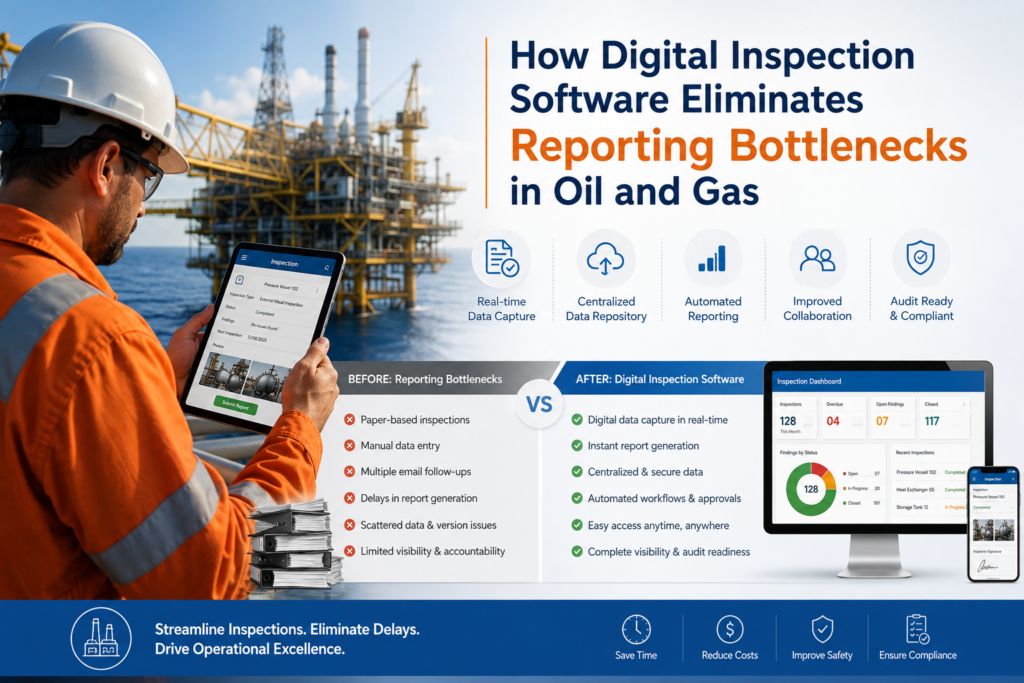
Digital forms allow inspectors to complete inspections directly from a mobile device or tablet.
Instead of writing information manually, inspectors can use structured fields, checklists, dropdowns, predefined values, and inspection templates.
This helps standardize the information collected during every inspection.
For example, an offshore equipment inspection form can include:
Because the information is captured digitally from the beginning, it does not need to be manually re-entered later.
Standardization is essential for efficient reporting.
If every inspector records information differently, administrators must spend additional time interpreting and formatting the data.
Digital inspection software can provide predefined:
Therefore, reports become more consistent across inspectors, projects, rigs, facilities, and clients.
Photographs are an important part of offshore inspection reports.
However, manually matching photographs with equipment and findings can become time-consuming.
Digital inspection platforms can associate photographs directly with inspection records.
This means inspectors can capture evidence during the inspection and link it to the relevant asset, finding, or checklist item.
Consequently, report preparation becomes much easier.
Offshore teams should not have to stop working because connectivity is unavailable.
An offline-first inspection workflow allows inspectors to:
This is particularly valuable for offshore facilities, remote locations, vessels, rigs, and other environments where connectivity can be unpredictable.
One of the biggest reporting bottlenecks is the time required to transform inspection data into a professional final report.
This is where automated inspection reporting can provide significant value.
Instead of manually creating a report from multiple files, the system can use captured inspection data to generate a structured report.
Complete Inspection → Review Data → Generate Report → Validate → Deliver
Rather than:
Complete Inspection → Export Data → Copy Data → Find Photos → Insert Photos → Format Tables → Add Certificates → Review → Correct → Reformat → Generate Final Report
The second process creates more administrative work.
The first creates a much more efficient workflow.
InspectionsTrack is a digital inspection management platform designed for the oil and gas inspection industry.
It helps inspection companies manage inspection activities, assets, forms, reports, certificates, findings, and inspection data through a centralized digital environment.
For offshore inspection teams, this can help reduce the gap between field inspection and final reporting.
InspectionsTrack supports digital forms and predefined checklists so inspection teams can capture structured information directly in the field.
This helps reduce paper-based processes and unnecessary data entry.
Offshore inspectors may not always have reliable connectivity.
With offline capabilities, teams can continue collecting inspection information and synchronize data when connectivity becomes available.
That means inspection work can continue without depending entirely on an active internet connection.
Inspection data can be used to streamline final report creation.
Instead of rebuilding reports manually, teams can use structured inspection information to produce consistent inspection documentation.
This can help reduce administrative workload and improve report turnaround times.
Inspection reporting becomes much more useful when inspection information is connected to the asset being inspected.
InspectionsTrack provides asset management capabilities that allow inspection teams to organize inspection records around assets.
Therefore, teams can build a more complete history of inspections, findings, certificates, and maintenance-related information.
Inspection projects often involve certificates and supporting documentation.
Centralizing these records can make it easier for teams to access relevant information when preparing reports or reviewing asset history.
Large inspection datasets can become difficult to manage without proper filtering.
Data filters can help teams find relevant inspection records, assets, findings, or other information more quickly.
Additionally, exportable reporting capabilities can help teams share information with clients and internal stakeholders.
| Reporting Activity | Manual Workflow | Digital Inspection Workflow |
|---|---|---|
| Data collection | Paper or spreadsheets | Digital forms |
| Checklist completion | Manual | Predefined checklists |
| Photo management | Separate folders | Linked to inspection records |
| Asset information | Multiple files | Centralized asset records |
| Data entry | Often duplicated | Captured once |
| Report creation | Manual formatting | Automated/structured reporting |
| Offline work | Paper-based fallback | Offline digital inspection |
| Data search | File-by-file | Filters and centralized records |
| Inspection history | Scattered documents | Centralized asset history |
| Report turnaround | Often slower | Faster and more standardized |
The important difference is not simply replacing paper with tablets.
The real benefit comes from connecting inspection data, assets, findings, evidence, and reporting into one workflow.
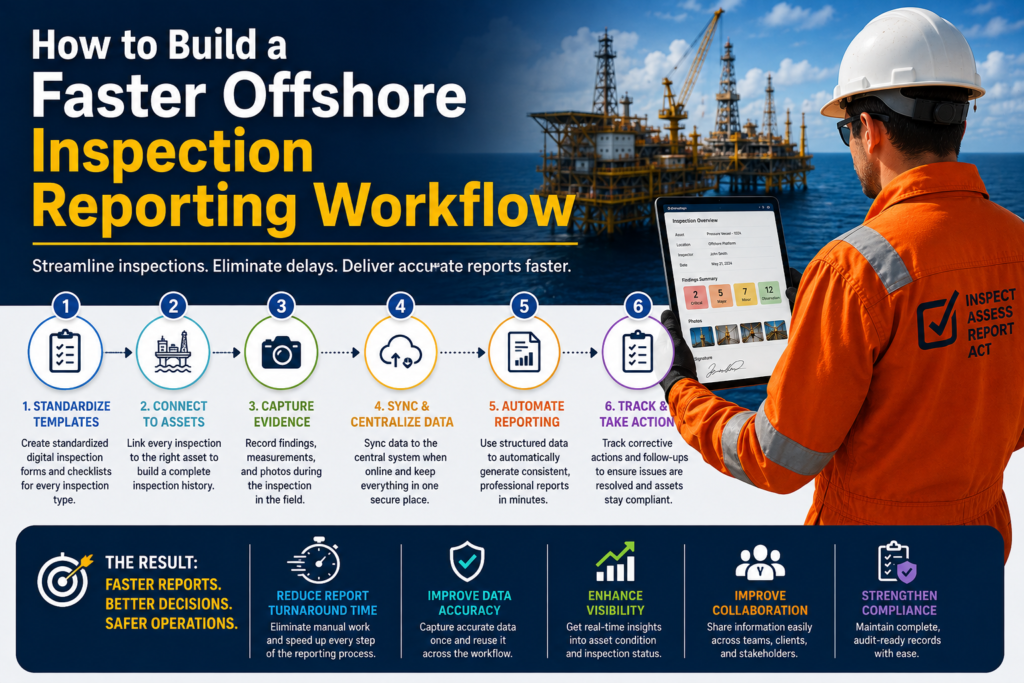
Technology alone is not enough.
Inspection companies should also standardize how information moves through the organization.
Start by identifying the inspections your team performs most frequently.
Then create standardized digital forms and checklists for each inspection type.
For example:
Standardized templates reduce variation and make reporting easier.
Every inspection should be associated with the correct asset.
This creates a structured inspection history and makes it easier to understand how an asset’s condition changes over time.
For example:
Asset → Inspection → Findings → Photographs → Recommendations → Corrective Actions → Reports
This structure creates much more value than storing individual PDF files in folders.
Inspectors should capture photographs, measurements, findings, and comments while performing the inspection.
Doing this at the source reduces the need to reconstruct information later.
Furthermore, it improves the relationship between findings and supporting evidence.
Every time information is copied from one system to another, there is a risk of error.
Therefore, inspection teams should aim to capture data once and reuse it throughout the reporting workflow.
This principle can dramatically reduce administrative work.
Once inspection information has been reviewed, the reporting process should require as little manual formatting as possible.
Automated reporting can help teams produce consistent reports while reducing repetitive administrative tasks.
An inspection report should not be the end of the workflow.
Findings often require corrective actions, follow-up inspections, or maintenance activities.
Therefore, inspection software should help teams track what happens after the report is issued.
If you are evaluating inspection management software, focus on more than digital forms.
A useful offshore inspection platform should support the complete inspection lifecycle.
Look for capabilities such as:
Most importantly, ask whether the software actually removes manual steps from your existing workflow.
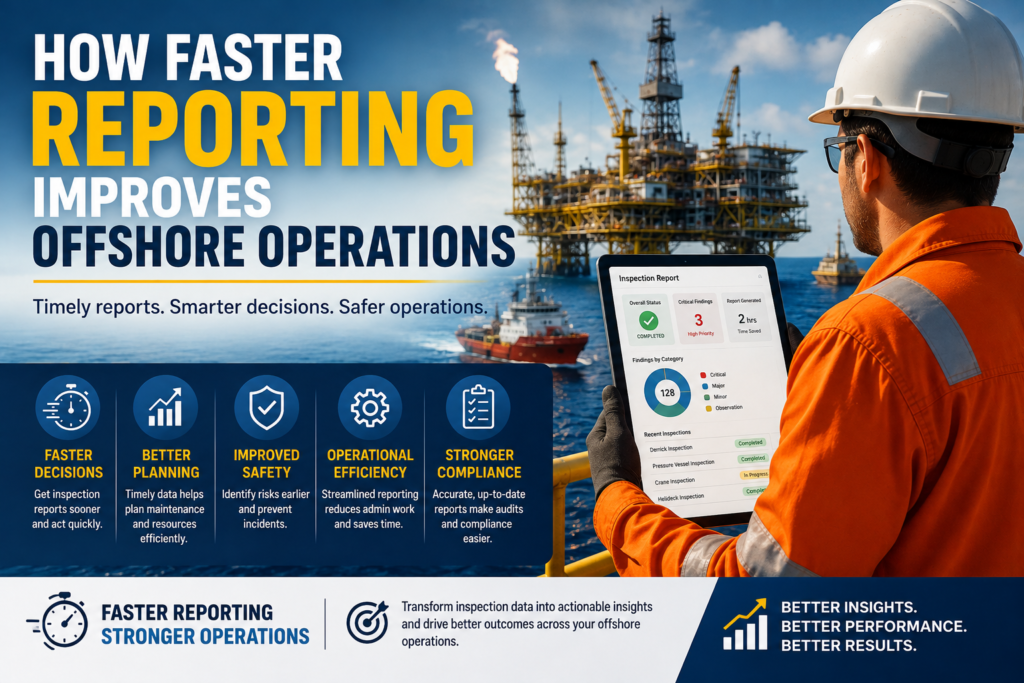
Faster reporting is not simply an administrative benefit.
It can also improve operational decision-making.
When inspection information becomes available sooner, teams can identify issues and respond faster.
For example, faster reporting can help organizations:
Serious defects should not remain buried inside spreadsheets or pending reports.
Digital workflows can make findings easier to review and prioritize.
Inspection findings can provide valuable input for maintenance planning.
Therefore, connecting inspection data with asset history can help maintenance teams make better-informed decisions.
Inspection companies often need to provide reports to operators, asset owners, and other stakeholders.
Consistent digital reports can improve communication and reduce unnecessary back-and-forth.
Inspection records provide evidence that required checks and inspections have been performed.
Centralized records can make it easier to retrieve documentation when needed for audits or compliance reviews.
Modern inspection software should do more than produce PDFs.
The real value of inspection data comes from making it searchable, structured, and reusable.
For example, an inspection company may collect thousands of inspection records over several years.
If those records remain as disconnected PDF documents, extracting useful trends becomes difficult.
However, structured inspection data can help teams identify:
As a result, inspection reporting can evolve from a documentation task into an operational intelligence process.
Read more : Turning Corrosion Inspection Data into Actionable Maintenance Plans
Common causes include manual data entry, paper forms, disconnected spreadsheets, scattered photographs, manual report formatting, multiple review cycles, and poor connectivity.
Teams can generate reports faster by using digital inspection forms, standardized checklists, centralized asset records, automated data processing, linked photographs, and automated report generation.
The key is to capture accurate information once and reuse it throughout the reporting process.
Yes, some inspection platforms provide offline functionality. This allows inspectors to complete forms, capture evidence, and save inspection information without continuous connectivity before synchronizing the data later.
An offshore inspection report may include asset details, inspection scope, inspection date, inspector information, checklist results, findings, measurements, photographs, recommendations, corrective actions, certificates, signatures, and other required documentation.
The exact requirements depend on the inspection type, asset, client, and applicable standards.
InspectionsTrack is designed for the oil and gas inspection industry and supports inspection management across areas such as NDT, DROPS, derrick inspections, cranes and winches, EX surveys, drill pipe inspections, helideck inspections, tanks, pressure equipment, planned inspections, and audits.
Offshore inspection teams are collecting more information than ever.
However, collecting more data does not automatically create better inspection management.
The real advantage comes from being able to turn that information into accurate reports and actionable insights quickly.
That is why digital inspection management is becoming increasingly important for inspection companies operating in oil and gas.
Instead of relying on paper forms, spreadsheets, email attachments, and manual report templates, teams can create a connected workflow:
Plan → Inspect → Capture Data → Review → Report → Act → Track
With the right technology, offshore inspection teams can reduce reporting bottlenecks, improve data quality, accelerate report delivery, and give clients better visibility into asset condition.
For inspection companies looking to modernize their inspection workflow, InspectionsTrack provides a centralized digital platform for managing oil and gas inspections, inspection data, assets, findings, certificates, and reporting.
The goal is simple: spend less time preparing inspection reports and more time acting on the information those reports contain.
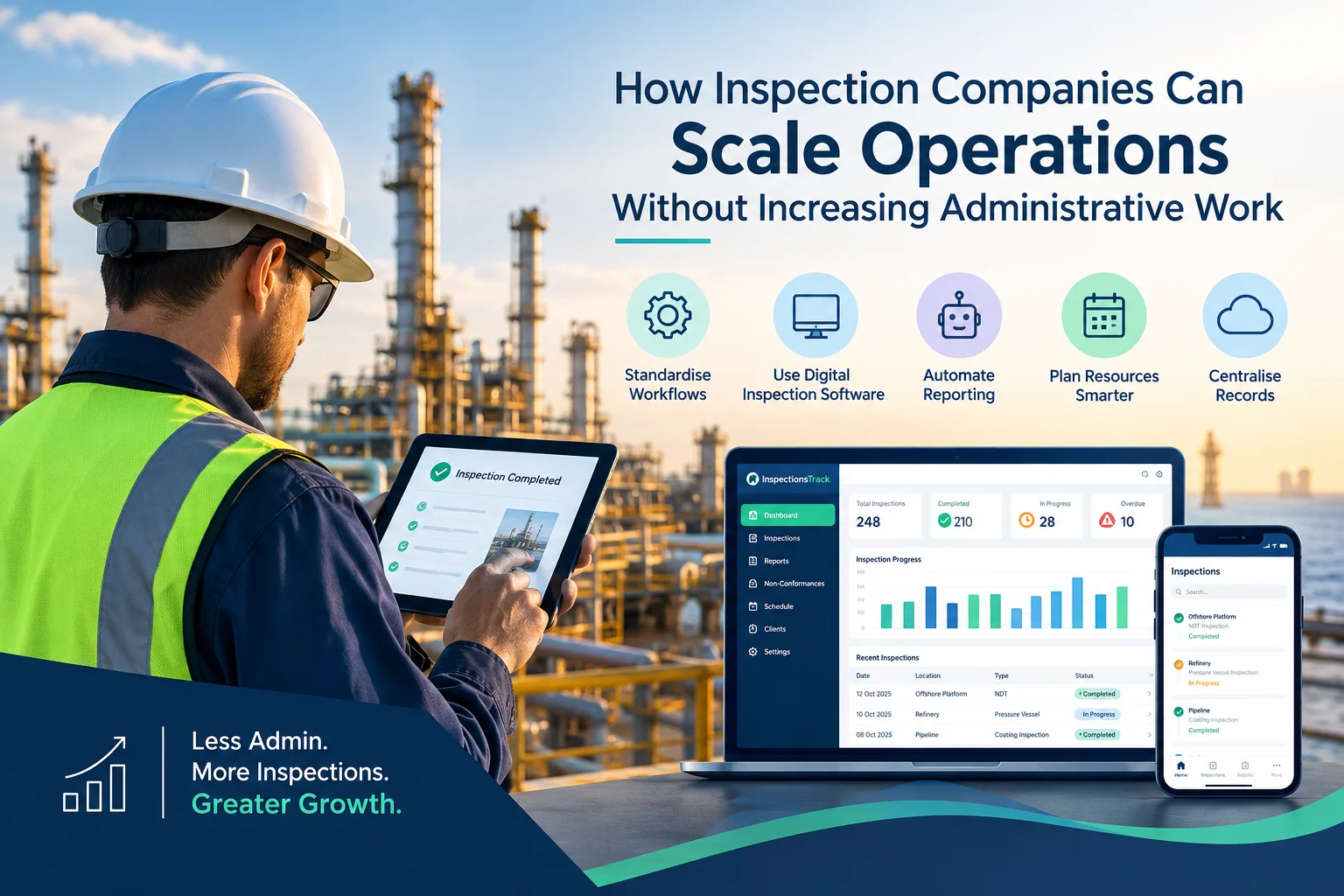
Inspection companies in the oil and gas industry face a common challenge: how to handle more inspections, manage larger projects, and meet client deadlines without increasing administrative workload. As businesses grow, inspection teams must manage…
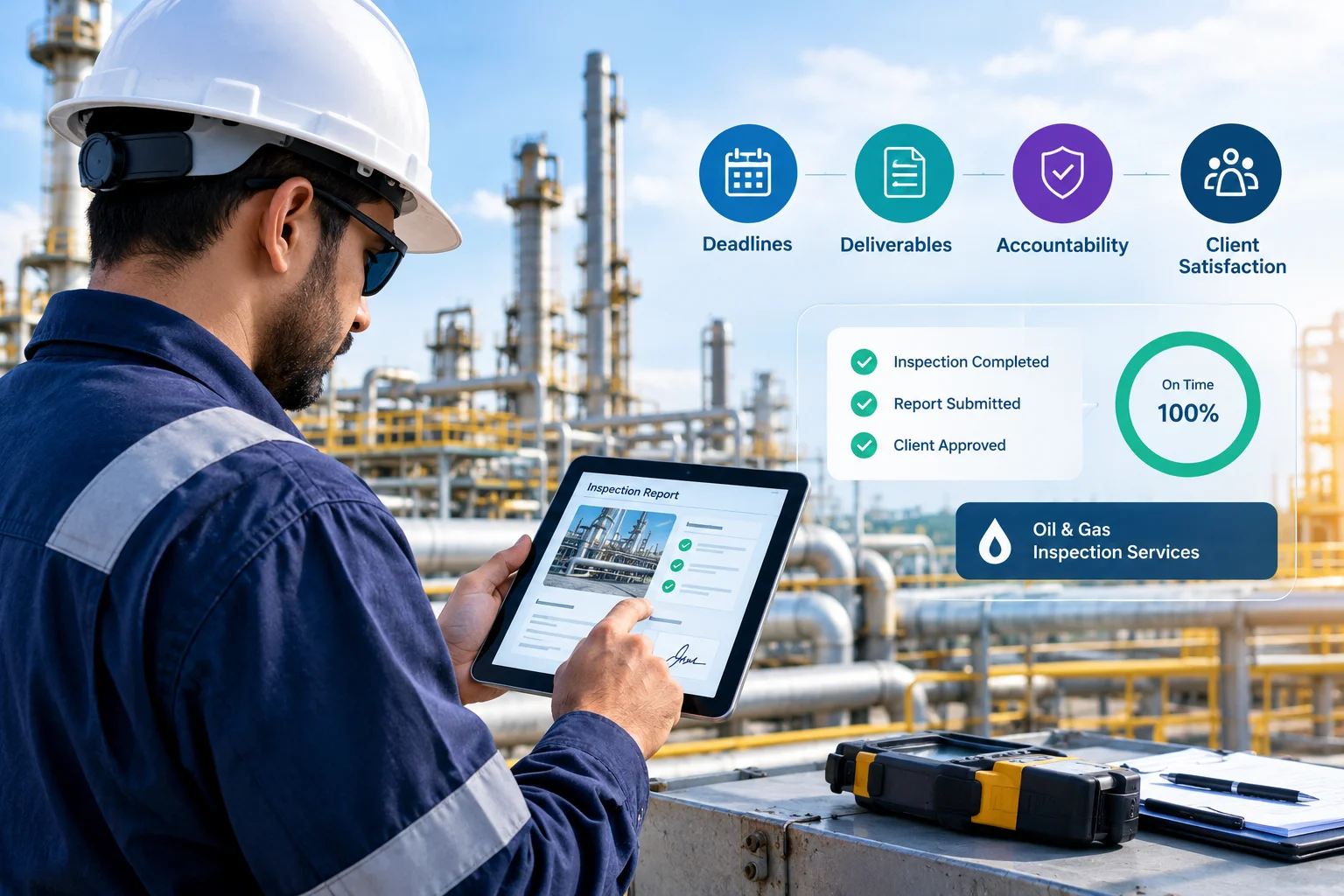
Meeting client Service Level Agreements (SLAs) is essential for inspection companies working in demanding industries such as oil and gas, energy, and industrial maintenance. Clients expect inspections to be completed on time, reports to be…


Comment (1)
Can You Trust Your Inspection Data? Here Is How to Tell - inspectionstrack
Aug 17, 2026[…] Read more : How Offshore Inspection Teams Can Eliminate Reporting Bottlenecks […]
Comments are closed.