
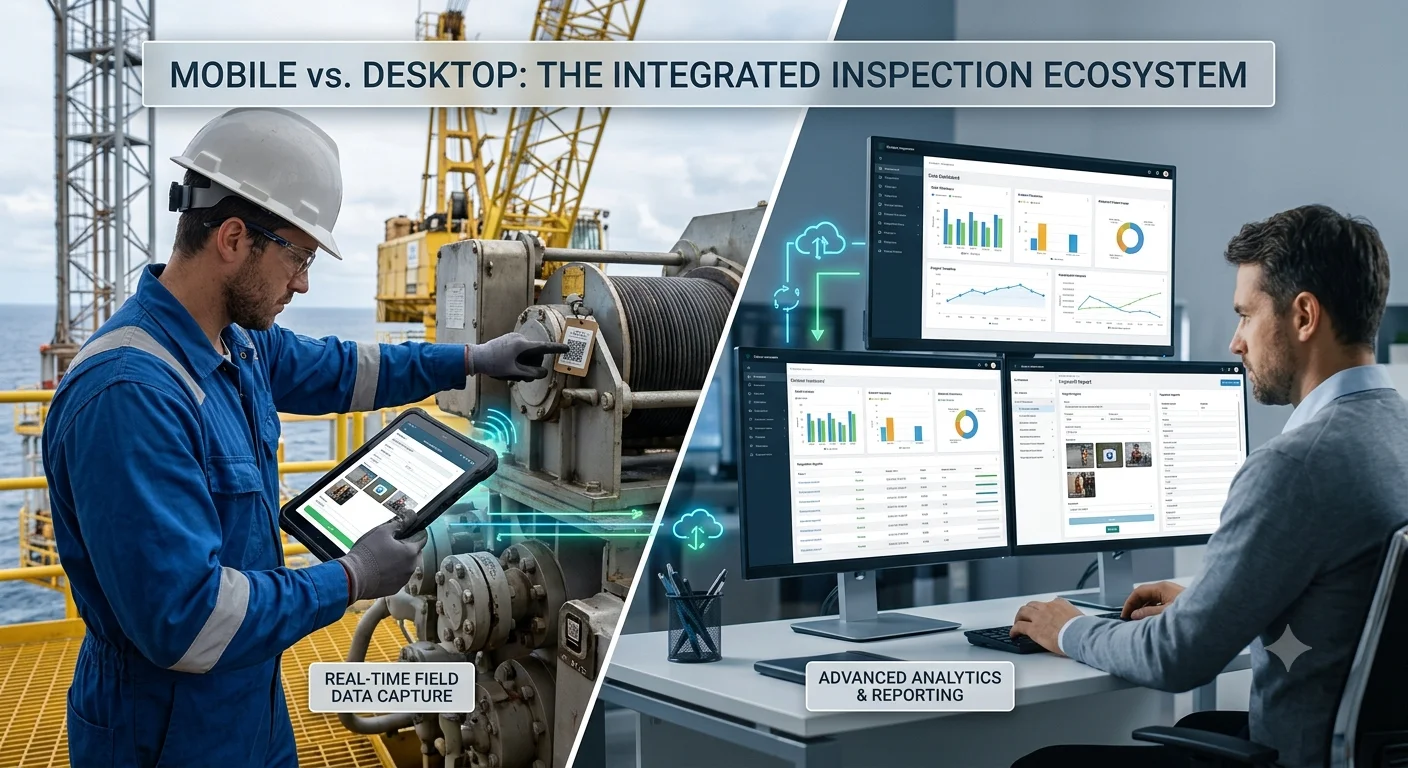
Choosing between mobile vs desktop inspection apps has become a critical decision for offshore oil and gas companies. Inspection teams operate in some of the world’s most demanding environments, where internet connectivity is unreliable, safety standards are strict, and accurate reporting is essential.
However, many organizations still ask the same question:
Should offshore inspectors rely on mobile inspection apps, desktop inspection software, or both?
The answer is not as simple as choosing one over the other. In reality, every offshore inspection workflow involves different stakeholders. Field inspectors require mobility, while supervisors, QA managers, and operations teams often need powerful desktop capabilities for planning, reviewing, and reporting.
Therefore, the most effective solution combines both platforms into a single connected ecosystem.
In this guide, we’ll compare mobile and desktop inspection applications, explain where each performs best, and show why modern oil and gas companies increasingly prefer integrated platforms like Inspections Track.
Offshore inspections are far more complex than standard field inspections.
Inspectors routinely perform:
Moreover, every inspection generates large amounts of information including:
Managing all this information using spreadsheets or paper forms slows operations and increases the risk of costly mistakes.
Consequently, inspection software has become an operational necessity rather than a convenience.
A mobile inspection app allows inspectors to perform inspections directly from smartphones or tablets while working offshore.
Instead of writing notes manually, inspectors capture everything digitally.
Typical mobile capabilities include:
As a result, inspectors spend less time on paperwork and more time completing inspections safely.
Desktop inspection software is primarily designed for office-based teams.
It enables managers to oversee inspection projects, monitor assets, review reports, assign jobs, and analyze inspection trends.
Desktop applications typically provide:
Therefore, desktop systems become the operational control center for inspection companies.
| Feature | Mobile Inspection App | Desktop Inspection Software |
|---|---|---|
| Field Inspections | ✅ Excellent | ❌ Limited |
| Offline Working | ✅ Yes | ❌ Usually No |
| Photo Capture | ✅ Instant | ❌ Upload Later |
| Digital Signatures | ✅ Yes | Limited |
| Asset Scanning | ✅ RFID & Barcode | Limited |
| Report Review | Basic | ✅ Advanced |
| Scheduling Jobs | Limited | ✅ Full Control |
| Analytics | Basic | ✅ Advanced Dashboards |
| Certificate Management | View | ✅ Create & Manage |
| Team Management | Limited | ✅ Comprehensive |
| Data Export | Basic | ✅ Advanced |
| Management Reporting | Limited | ✅ Extensive |
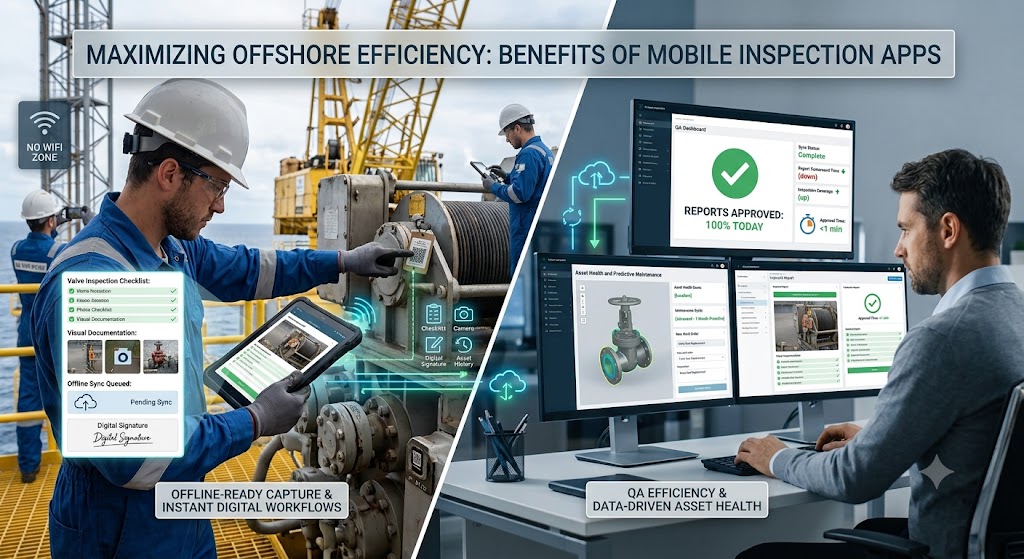
One of the biggest challenges offshore teams face is inconsistent connectivity.
Fortunately, modern mobile inspection software works offline.
Inspectors can:
Afterward, the application automatically synchronizes data when internet access becomes available.
This ensures uninterrupted inspection operations.
Instead of returning to the office to enter handwritten notes, inspectors capture data during inspections.
Consequently:
Inspection photos provide essential evidence during audits.
Rather than storing images separately, mobile inspection apps attach photographs directly to inspection records.
As a result, documentation becomes much easier to manage.
Because inspection checklists remain standardized, inspectors consistently follow approved procedures.
This reduces:
Ultimately, organizations maintain stronger regulatory compliance.
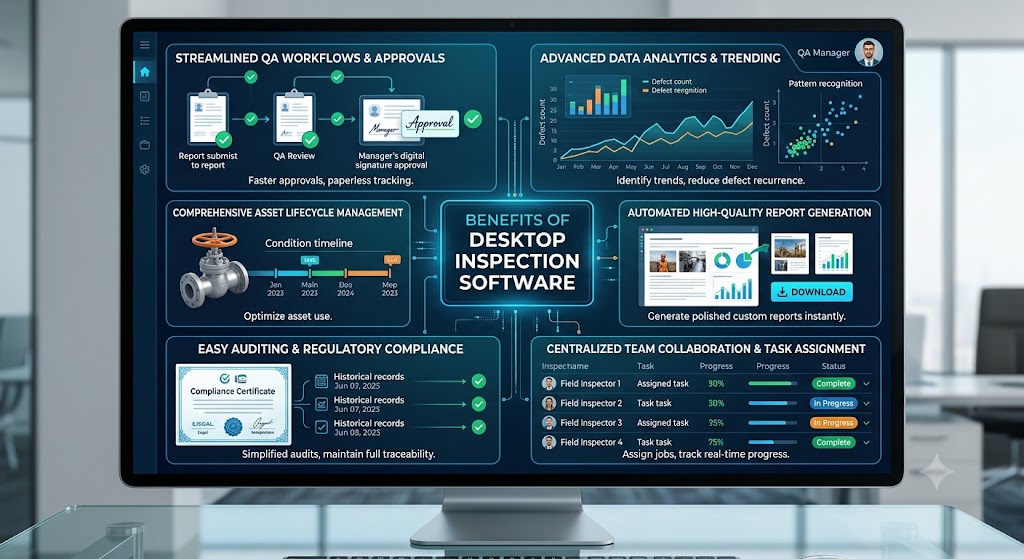
Desktop software provides complete visibility across ongoing projects.
Managers can easily:
Therefore, operations become much more organized.
Unlike mobile devices, desktop platforms offer extensive reporting capabilities.
Examples include:
These insights support better operational decisions.
Quality assurance teams often review hundreds of inspection reports.
Desktop applications simplify this process through:
Consequently, organizations maintain higher reporting standards.
Although mobile applications are extremely useful, relying solely on them introduces several limitations.
These include:
Therefore, mobile applications alone cannot support the entire inspection lifecycle.
Similarly, desktop-only solutions create problems for offshore inspection teams.
Common challenges include:
As a result, inspection efficiency declines considerably.
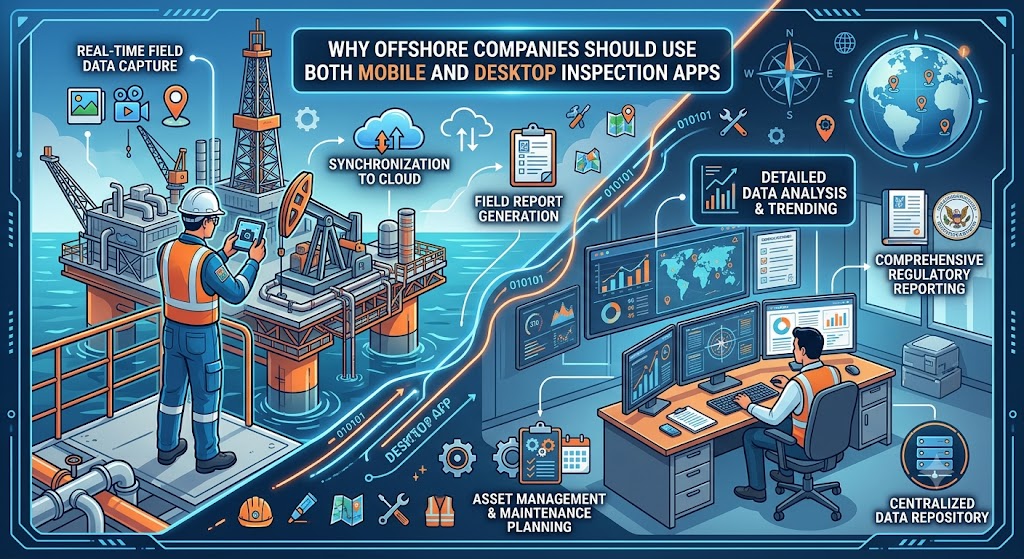
Rather than choosing one platform over another, leading inspection companies combine both.
This approach allows each team member to use the right tool for the right task.
Consequently, everyone works within one connected system without duplicating information.
Unlike solutions that focus on only one platform, Inspections Track delivers a complete inspection ecosystem for the oil and gas industry.
The software enables offshore inspection companies to seamlessly connect field teams with office operations.
Key capabilities include:
Because both platforms share the same centralized database, inspection data remains accurate, synchronized, and instantly available across the organization.
Organizations that combine mobile and desktop inspection software often experience measurable improvements.
These include:
| Business Outcome | Impact |
|---|---|
| Faster inspections | Reduced inspection time |
| Better reporting | Higher accuracy |
| Improved compliance | Easier audits |
| Less paperwork | Lower administrative costs |
| Real-time visibility | Faster decision-making |
| Better asset tracking | Improved maintenance planning |
| Digital documentation | Reduced lost records |
| Enhanced collaboration | Better communication between offshore and office teams |
Before investing in inspection software, consider the following requirements:
Selecting software with these capabilities helps future-proof your inspection operations.
The debate around mobile vs desktop inspection apps is no longer about choosing one over the other.
Instead, successful offshore inspection companies recognize that both platforms serve different yet equally important purposes.
Mobile applications empower inspectors to capture accurate data directly in the field, even without internet connectivity. Meanwhile, desktop software gives managers the tools they need to schedule inspections, oversee compliance, generate reports, and make informed operational decisions.
For organizations operating in the oil and gas sector, an integrated solution delivers the greatest value.
Inspections Track combines robust mobile inspection capabilities with a comprehensive desktop management platform, enabling inspection companies to streamline workflows, improve compliance, reduce paperwork, and gain complete visibility across every inspection project.
If your goal is to modernize offshore inspections while increasing efficiency and accuracy, adopting a connected mobile and desktop inspection system is the smartest long-term investment.
Read more : Predictive Maintenance vs Preventive Maintenance in Oil & Gas
Mobile apps are excellent for field inspections, data collection, and offline work. However, they lack advanced scheduling, reporting, analytics, and quality assurance features. Most organizations benefit from using both mobile and desktop applications together.
Yes. Modern inspection platforms like Inspections Track allow inspectors to complete inspections without an internet connection. Once connectivity is restored, the data automatically syncs with the central system.
Desktop software enables managers to assign inspections, manage assets, review reports, monitor compliance, generate certificates, and analyze inspection performance. It complements mobile applications by providing complete operational oversight.
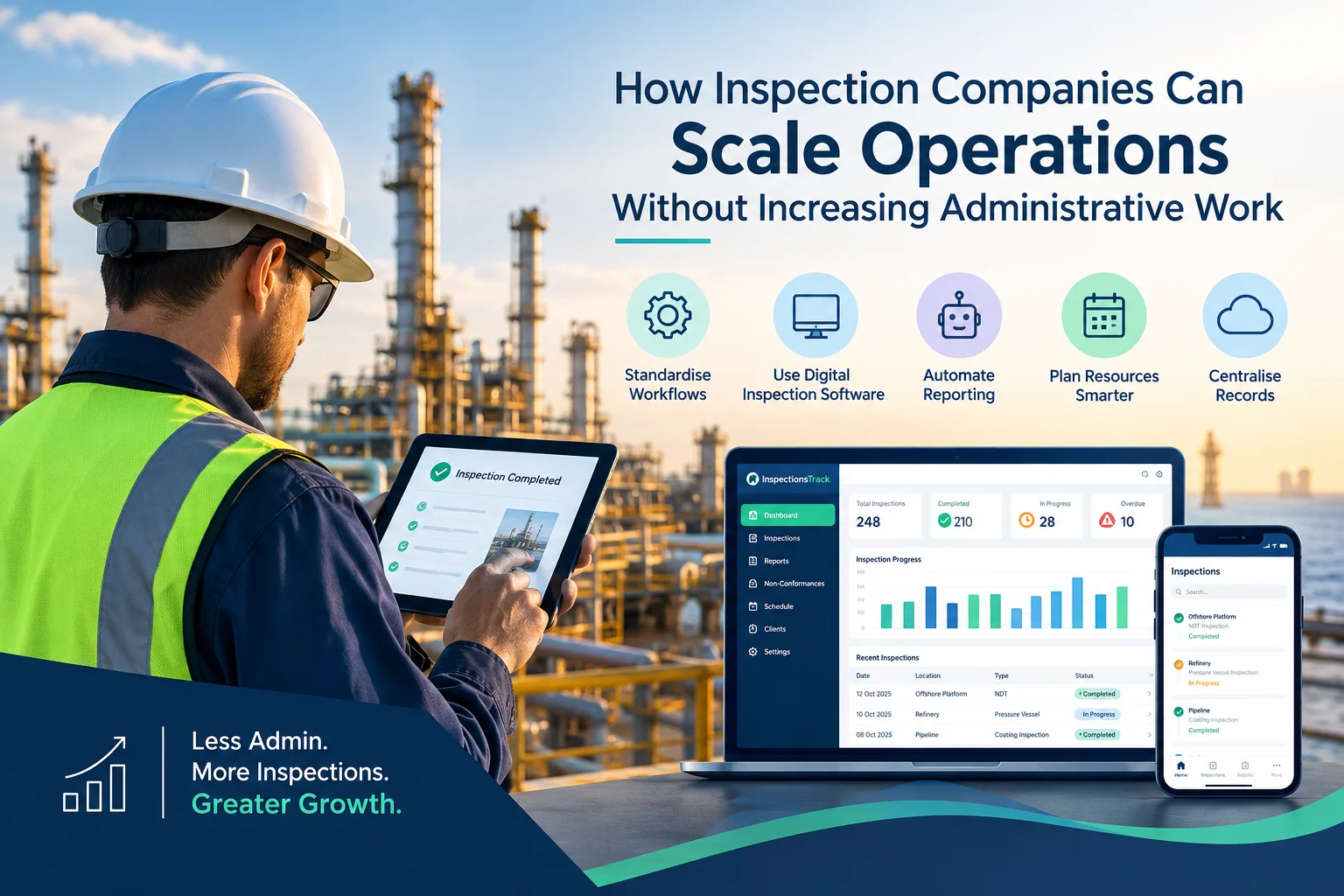
Inspection companies in the oil and gas industry face a common challenge: how to handle more inspections, manage larger projects, and meet client deadlines without increasing administrative workload. As businesses grow, inspection teams must manage…
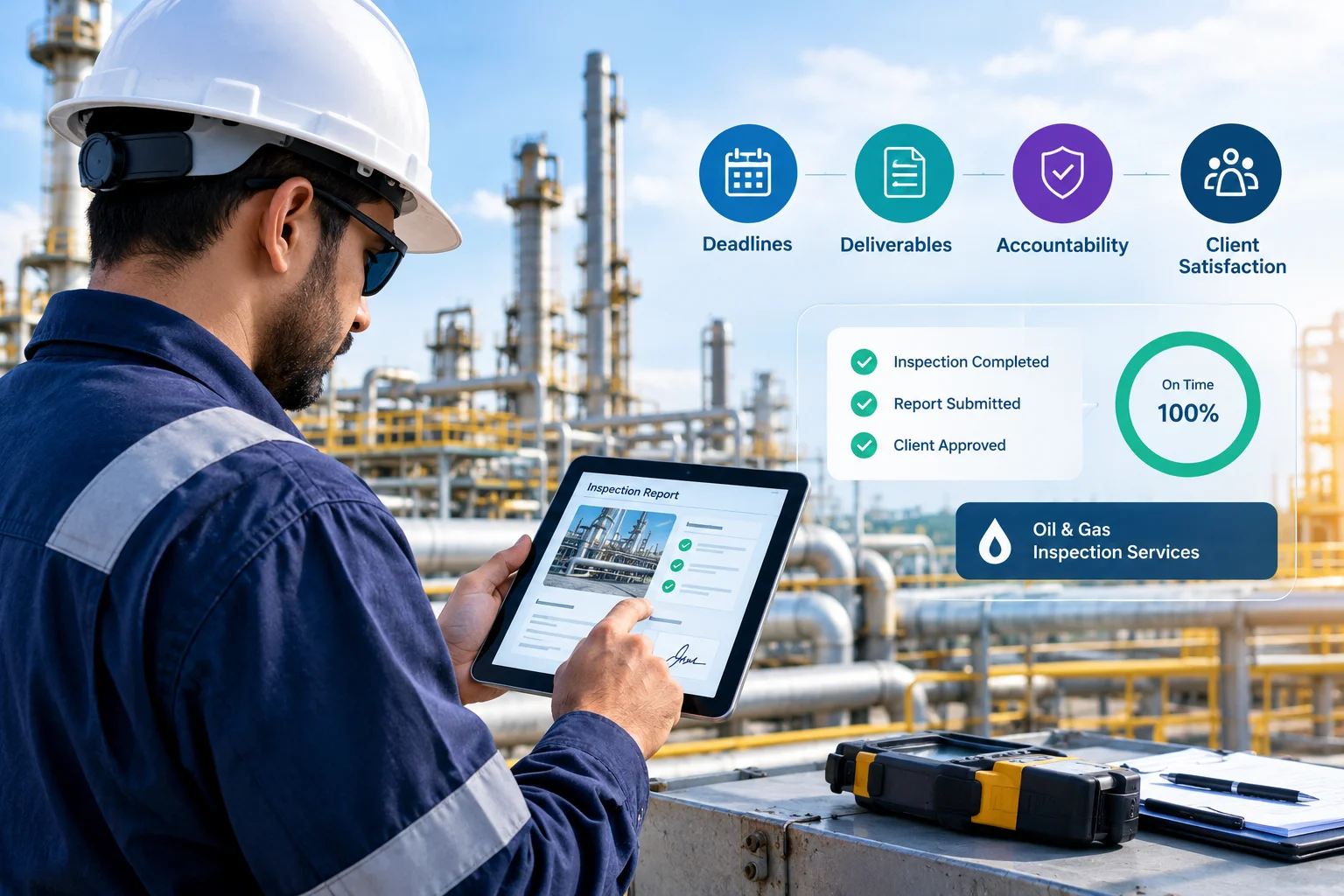
Meeting client Service Level Agreements (SLAs) is essential for inspection companies working in demanding industries such as oil and gas, energy, and industrial maintenance. Clients expect inspections to be completed on time, reports to be…


