
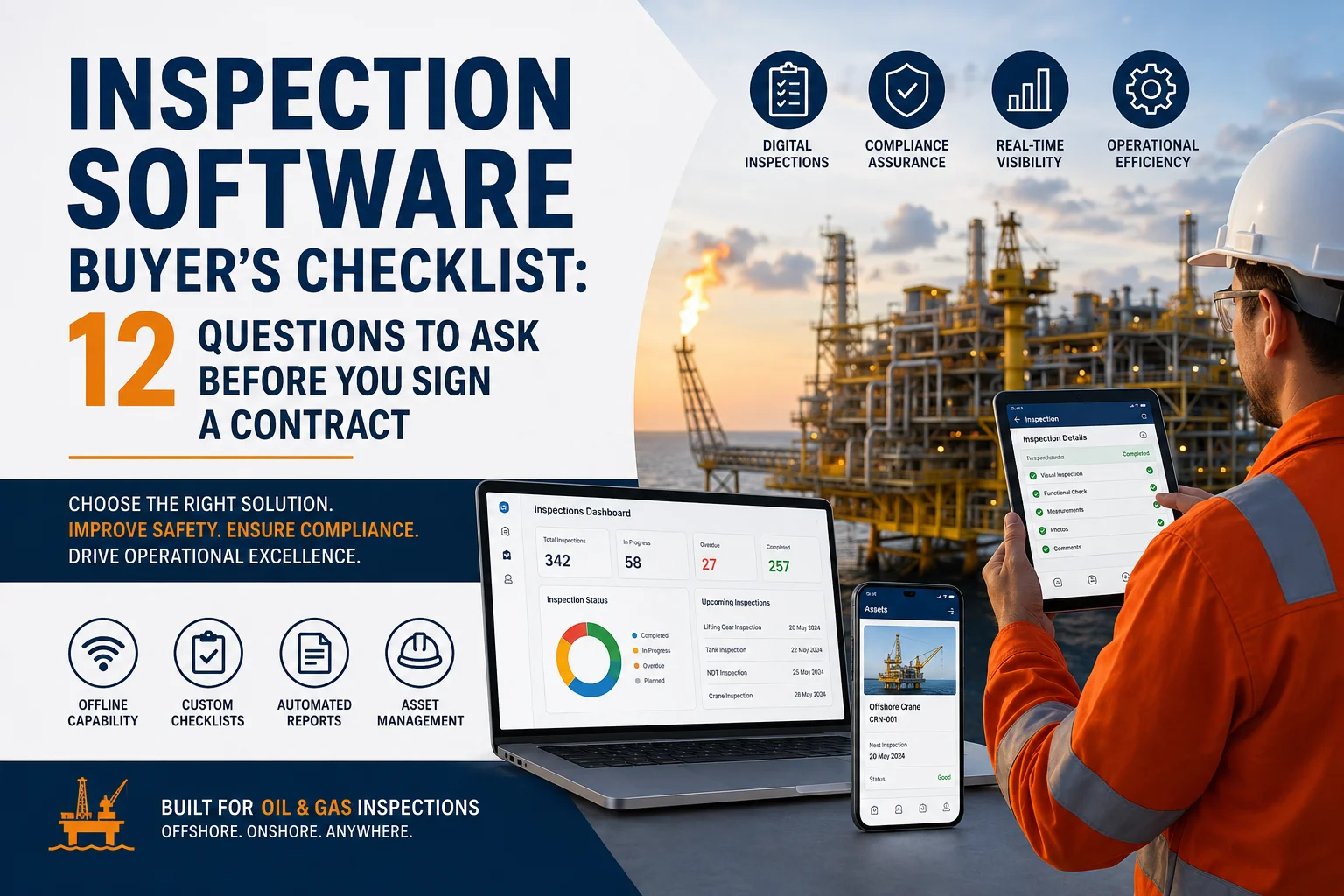
Choosing inspection software is a long-term business decision, not just another software purchase. The right platform improves inspection quality, increases compliance, reduces administrative work, and helps teams make faster decisions. However, selecting the wrong solution can lead to expensive migrations, frustrated inspectors, and operational delays.
Therefore, every inspection company should evaluate vendors carefully before signing a contract.
Whether you manage lifting gear inspections, NDT inspections, dropped object surveys, tank inspections, crane inspections, or offshore asset integrity programs, this Inspection Software Buyer’s Checklist will help you identify the best solution for your organization.
If your business operates in the oil and gas industry, these questions become even more important because inspections directly impact safety, compliance, and operational uptime.
Inspection software affects nearly every part of your inspection workflow, including:
Consequently, replacing poor software later often costs significantly more than investing in the right platform from the beginning.
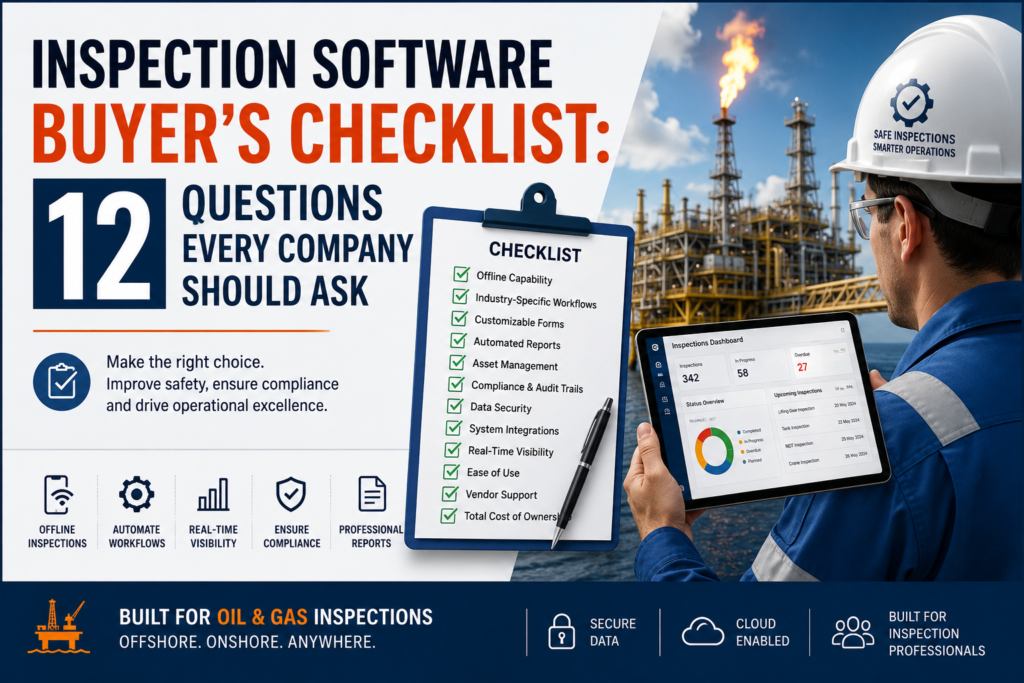
For offshore inspections, remote facilities, pipelines, and drilling rigs, internet connectivity is unreliable.
Your inspectors should still be able to:
Without reliable offline capability, inspection teams may lose valuable information or resort to paper forms.
Many vendors sell generic inspection applications.
However, generic systems rarely understand industry-specific inspection processes.
Look for software that supports:
Industry-specific workflows reduce customization costs and speed up implementation.
Inspection requirements change frequently.
Therefore, your software should allow administrators to:
The best systems let business users make these changes without writing code.
Reporting consumes a large portion of inspectors’ time.
Instead of manually copying inspection data into Word or Excel, your software should generate:
Automatic report generation saves hours every week while reducing human error.
Inspection software should do more than record inspection results.
It should also manage:
This creates a complete digital history for every asset.
Compliance is one of the biggest reasons companies invest in inspection software.
Ask whether the system supports:
This simplifies regulatory audits and improves accountability.
Inspection data contains valuable operational information.
Ask vendors about:
Security should never be treated as an optional feature.
Inspection software rarely operates alone.
Instead, it should integrate with:
Good integrations eliminate duplicate data entry.
Modern inspection software should provide dashboards showing:
Real-time visibility helps managers make faster operational decisions.
Even powerful software fails if inspectors avoid using it.
Look for:
A user-friendly experience improves adoption across field teams.
Implementation is only the beginning.
Ask about:
Reliable support ensures long-term success.
Many vendors advertise low monthly pricing.
However, always ask about additional costs such as:
| Cost Area | Questions to Ask |
|---|---|
| Licensing | Is pricing per user or per asset? |
| Implementation | Are setup costs included? |
| Training | Is onboarding free? |
| Customization | Will custom forms cost extra? |
| Storage | Is cloud storage limited? |
| Support | Is premium support charged separately? |
| Upgrades | Are software updates included? |
Looking beyond the subscription price prevents unexpected expenses later.
Before signing any contract, confirm that your vendor offers:
| Feature | Essential |
|---|---|
| Offline Mobile App | ✅ |
| Oil & Gas Workflows | ✅ |
| Custom Inspection Forms | ✅ |
| Automated Reports | ✅ |
| Asset Management | ✅ |
| Compliance Tracking | ✅ |
| Photo Evidence | ✅ |
| QR/RFID Support | ✅ |
| Dashboard Analytics | ✅ |
| Cloud Security | ✅ |
| API Integrations | ✅ |
| Mobile & Desktop Access | ✅ |
Many organizations choose software based only on price.
Instead, consider the following:
Avoiding these mistakes can save significant time and money in the future.
Unlike general inspection applications, Inspections Track is purpose-built for inspection companies operating in demanding industries such as oil and gas, offshore energy, marine, and industrial asset integrity.
It provides an end-to-end digital inspection platform that helps organizations streamline field operations, improve compliance, and deliver professional reports faster.
Create, manage, and complete inspections digitally from mobile devices or desktop systems.
Inspectors can work in remote offshore locations without internet connectivity. Data automatically synchronizes when a connection becomes available.
Inspections Track supports:
Track equipment throughout its lifecycle with complete inspection history, certification records, maintenance schedules, and asset status.
Generate professional inspection reports and certificates in minutes instead of spending hours on manual documentation.
Gain real-time insights into inspection progress, overdue tasks, compliance status, and operational performance.
Whether your company manages hundreds or thousands of assets across multiple locations, Inspections Track scales with your business.
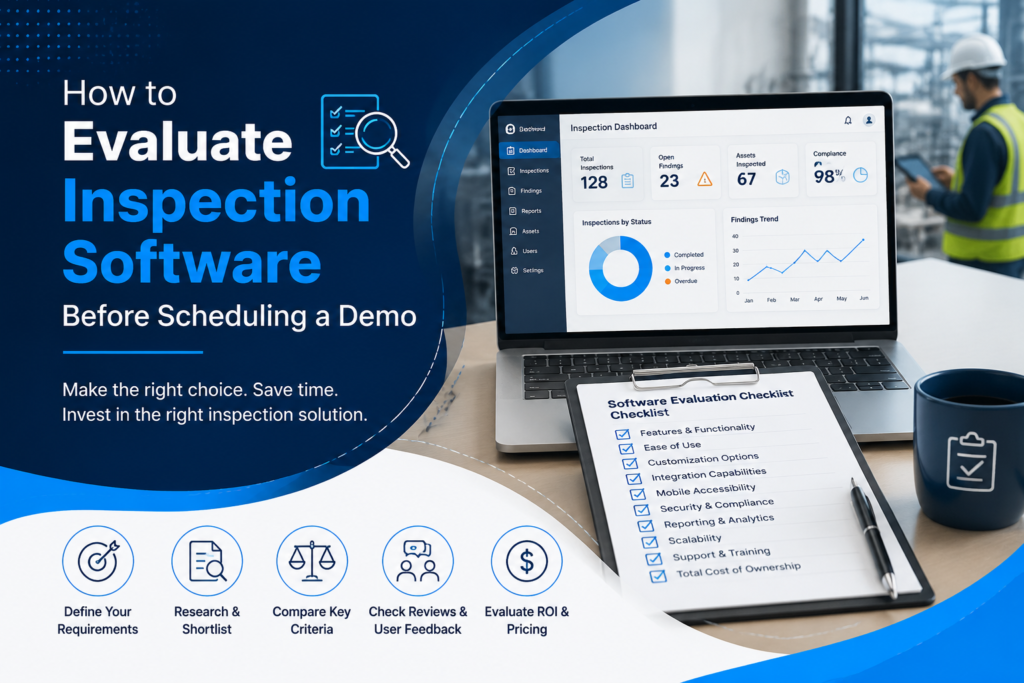
Before requesting a product demonstration, prepare answers to these questions internally:
Having clear answers will help vendors demonstrate the features that matter most to your organization.
Read more : Offline-First Inspection Apps: What Happens to Your Data When There’s No Signal Offshore
An inspection software buyer’s checklist is a structured list of evaluation criteria that helps organizations compare vendors, assess features, and select the right inspection management solution for their operational needs.
Inspectors often work in offshore, remote, or low-connectivity environments. Offline functionality allows them to complete inspections, capture evidence, and synchronize data once internet access is restored.
Essential features include offline inspections, asset management, automated reporting, customizable checklists, compliance tracking, mobile access, dashboards, integrations, secure cloud storage, and industry-specific workflows.
Inspection software maintains digital audit trails, standardizes inspection procedures, stores historical records, generates compliant reports, and tracks corrective actions, making audits faster and more accurate.
Reputable cloud-based inspection software uses encryption, role-based access control, regular backups, audit logs, and secure hosting to protect sensitive inspection data.
Selecting inspection software is a strategic investment that influences safety, compliance, operational efficiency, and client satisfaction for years to come. By using this Inspection Software Buyer’s Checklist, you can confidently compare vendors, avoid costly mistakes, and choose a platform that supports your long-term goals.
For organizations in the oil and gas inspections industry, solutions purpose-built for complex field operations—such as Inspections Track—offer a significant advantage over generic inspection apps. With offline capability, automated reporting, asset lifecycle management, industry-specific modules, and real-time dashboards, your teams can work more efficiently while maintaining the highest standards of compliance and accuracy.
Ultimately, asking the right questions before signing a contract can save time, reduce costs, and ensure your inspection software becomes a long-term asset rather than a limitation.
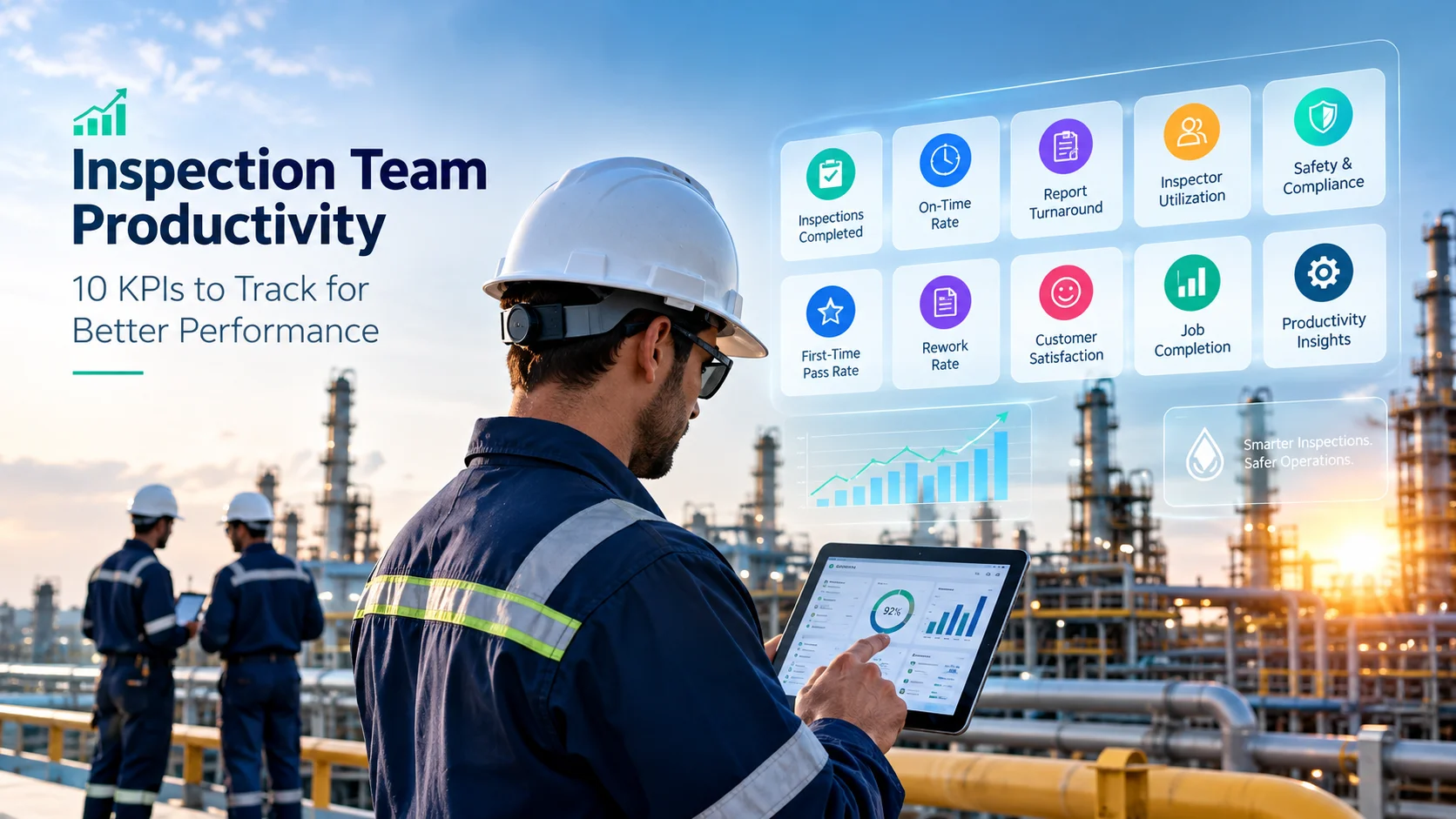
Inspection service companies need more than completed inspection reports to measure team productivity. They must also track inspection quality, job completion time, equipment utilization, safety compliance, and client satisfaction. However, when inspection data is scattered…
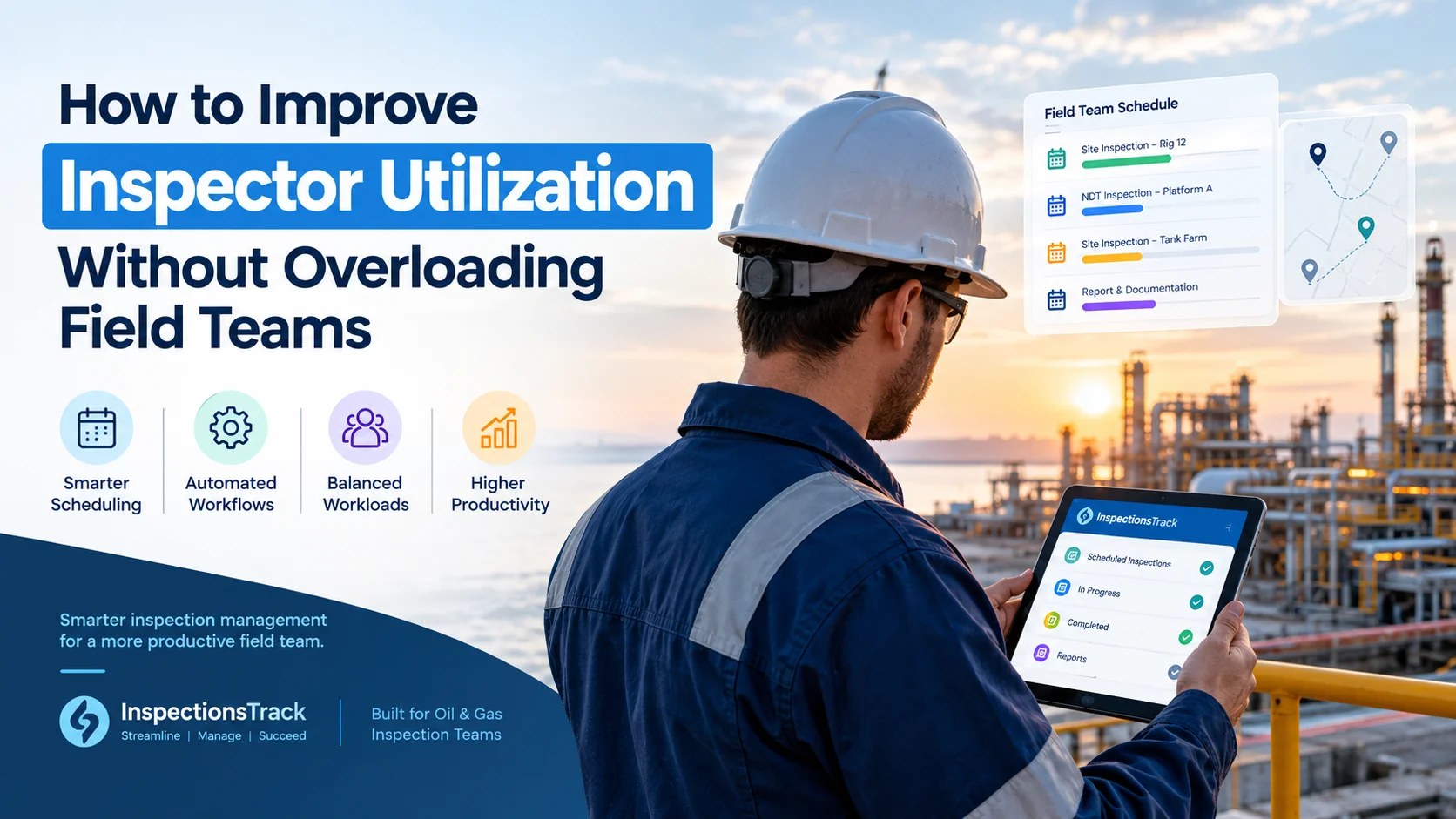
For inspection companies in the oil and gas industry, improving inspector utilization is essential for increasing productivity, controlling operational costs, and meeting client deadlines. However, maximizing the number of inspections completed does not necessarily mean…


