

An inspection finds a defect. However, the photographs sit on a phone, the findings remain in a spreadsheet, and the corrective action waits in someone’s inbox. Without a connected process, teams struggle to see what needs attention and who owns the next step.
To build a digital inspection workflow, connect asset records, inspection planning, field data capture, technical review, corrective actions and verified closure in one traceable process. Start with one inspection activity, test it in real operating conditions, and expand after the process works reliably.
A digital inspection workflow is a defined sequence for planning, completing, reviewing and following up inspections using connected records. Each inspection links to an identifiable asset, its evidence, responsible people and resulting actions.
For example, a tank inspection should connect the tank record to observations, photographs, technical findings and follow-up work. As a result, the next inspection team can understand what happened previously without reconstructing the history from separate files.

First, document how work currently moves from inspection request to final approval. Identify where teams re-enter information, lose evidence or wait for decisions.
Then, define the owner and completion condition for each stage:
| Stage | Responsible role | Required output |
|---|---|---|
| Planning | Inspection coordinator | Approved scope, schedule and assignment |
| Field inspection | Assigned inspector | Completed checks and linked evidence |
| Technical review | Competent reviewer | Accepted findings or revision request |
| Corrective action | Action owner | Recorded work and supporting evidence |
| Closure verification | Authorised verifier | Accepted closure or reopened action |
| Reporting | Approved report issuer | Controlled report and updated history |
Keep inspection completion separate from corrective-action closure. Otherwise, a completed checklist can create the impression that unresolved defects have disappeared.
Next, give every asset a stable identifier. Use that identifier consistently across inspection forms, photographs, reports and maintenance records.
Include relevant details such as:
For example, distinguish individual lifting accessories rather than recording everything under one general equipment description. Similarly, use QR codes or barcodes only when they reliably resolve to the correct asset record.
Before importing existing data, remove duplicates and resolve inconsistent naming. This prevents old data problems from spreading into the new workflow.
Create separate templates for different activities, such as visual inspections, non-destructive testing or lifting-equipment examinations. Although some fields overlap, each activity needs its own approved scope and acceptance criteria.
Use suitable fields for measurements, units, observations, equipment references and evidence attachments. In addition, distinguish “not inspected” from “not applicable” and require an explanation where appropriate.
Record the template version used for each inspection. Therefore, when procedures change, reviewers can still interpret historical results against the version that applied at the time.
Have competent personnel approve inspection methods, acceptance criteria and intervals. Software should implement those decisions rather than generate unsupported technical thresholds.
Before rollout, test how inspectors will use the workflow at the worksite. Consider connectivity, device suitability, access restrictions and practical usability.
Where connectivity is unreliable, evaluate offline capture and synchronisation. In particular, check whether photographs, timestamps and partially completed forms remain intact after a connection drops.
Require each finding to include the correct asset reference, a clear description, relevant evidence and the inspector’s identity. Where measurements apply, also capture units and the necessary instrument references.
For example, a close-up photograph may show corrosion without identifying its location. Therefore, combine contextual photographs with detailed images and clear component references.
Test duplicate submissions and conflicting edits as well. The workflow should make synchronisation problems visible instead of silently overwriting records.
Once an inspector submits findings, send them to the appropriate reviewer. Then, route accepted deficiencies through the organisation’s approved prioritisation and escalation process.
Each corrective-action record should include:
For urgent findings, follow established site escalation procedures immediately rather than waiting for routine report approval.
Meanwhile, preserve visibility of overdue actions. Where a deadline changes, record the reason and required approval instead of replacing the original date without explanation.
An action owner marking work complete should trigger verification. For example, the verifier may need to review repair evidence, confirm a follow-up inspection or request further information under the applicable procedure.
Only close the action after the required evidence and approval are present. If verification fails, reopen it with clear comments.
Also, retain the history of changes, approvals and supporting documents. The UK Health and Safety Executive highlights effective recording, tracking and trending of maintenance, inspection and testing information as an important management consideration.
Set access permissions so users can perform their duties without making uncontrolled changes to approved records. In addition, establish backup, recovery and retention arrangements that match operational and contractual requirements.
Start with one asset group or inspection activity. Then, run the entire process through planning, field capture, review, action management and reporting.
During the pilot, track:
Compare results with your starting position rather than assuming digitisation has improved performance. If review delays remain high, investigate ownership, workload and approval rules before adding more automation.
Finally, train each role on its decisions and responsibilities, then expand the workflow using lessons from the pilot.
InspectionsTrack helps oil and gas inspection teams connect job planning, field inspections, quality checks and reporting through mobile applications and a web portal. This provides a practical foundation for moving from separate spreadsheets and paper forms to a more organised digital inspection workflow.
With InspectionsTrack, teams can:
As a result, teams can build a more connected process from field inspection to reporting and follow-up. Start with one inspection activity, configure the relevant checklists and establish clear review responsibilities before expanding across your operations.
Read more : Inspection Deficiency Management: From Finding to Corrective Action
Yes. Use a shared asset register and consistent review controls while maintaining discipline-specific templates, evidence requirements and competent reviewers.
No. Compliance depends on applicable requirements, competent personnel, approved procedures and actual execution. Digital records can support traceability, but they do not establish compliance on their own.
Where findings generate maintenance work, integration can reduce duplicate entry. However, define which system owns each record and how work completion returns to the inspection workflow before connecting them.
A useful digital inspection workflow makes the next action clear. Start with reliable asset data, practical field forms and defined responsibilities. Then, connect findings to corrective actions and verified closure so inspection information supports day-to-day operational decisions.
Building a digital inspection workflow helps oil and gas teams connect asset records, field evidence, inspection findings and corrective actions. As a result, teams can track responsibilities, identify outstanding issues and maintain a clearer inspection history.
Start with one inspection activity, establish clear approval rules and test the process in real operating conditions. Then, expand gradually using feedback from inspectors and reviewers. The goal is to ensure every finding leads to an appropriate action, supported by reliable evidence and verified closure.
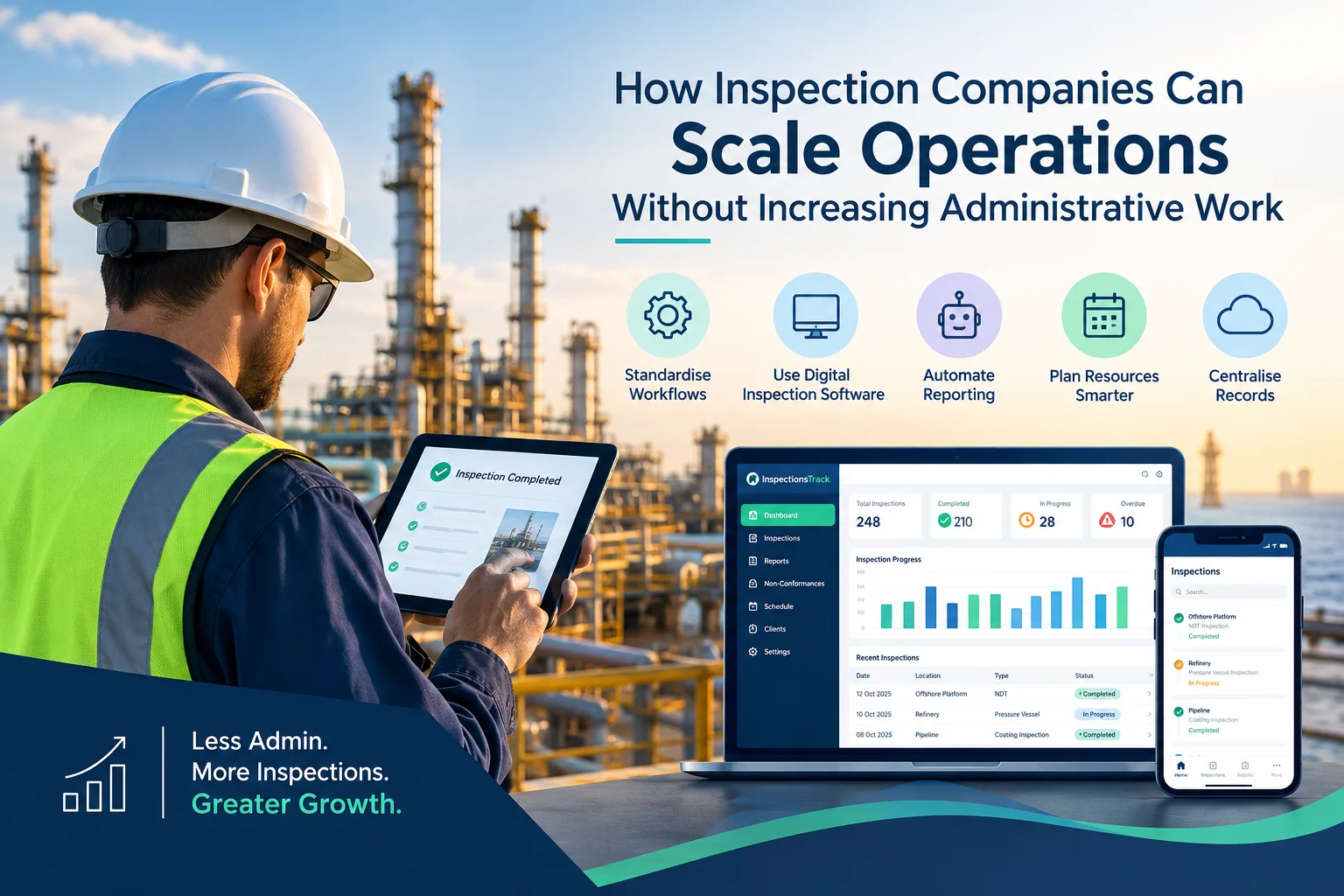
Inspection companies in the oil and gas industry face a common challenge: how to handle more inspections, manage larger projects, and meet client deadlines without increasing administrative workload. As businesses grow, inspection teams must manage…

Meeting client Service Level Agreements (SLAs) is essential for inspection companies working in demanding industries such as oil and gas, energy, and industrial maintenance. Clients expect inspections to be completed on time, reports to be…


