

Your inspectors identify equipment defects, while your maintenance team plans the repairs. However, when both teams rely on disconnected spreadsheets and reports, important findings can lose their connection to the actions they require.
Choose inspection software when your main need is technical inspection data, evidence and client reporting. Choose a computerized maintenance management system (CMMS) when your priority is maintenance scheduling, work orders and spare parts. If your team manages both workflows, evaluate whether one platform can meet both needs or whether you need connected systems.
The inspection software vs CMMS decision should therefore start with your team’s daily responsibilities.
Inspection software helps teams plan inspections, capture findings, review evidence and produce reports. In oil and gas, specialist platforms can support workflows such as non-destructive testing (NDT), lifting gear inspections and dropped object prevention scheme (DROPS) surveys.
For example, InspectionsTrack provides industry-specific inspection modules, mobile data collection and online reporting. Its published workflow includes job creation, inspector assignment, field inspections, quality checks and final reports.
When evaluating inspection management software, check whether it can connect:
As a result, your evaluation focuses on the evidence you need to deliver, rather than simply whether the software offers a digital checklist.
A computerized maintenance management system helps organisations organise and record maintenance work. Typical functions include work order management, preventive maintenance scheduling, spare parts management and maintenance reporting. IBM
For instance, an operator might use a CMMS to schedule pump servicing, assign a technician and record the parts used. Afterwards, the maintenance history helps the team understand what work it completed on that asset.
However, CMMS capabilities vary, so confirm the functions included in the specific product and licence you are considering.
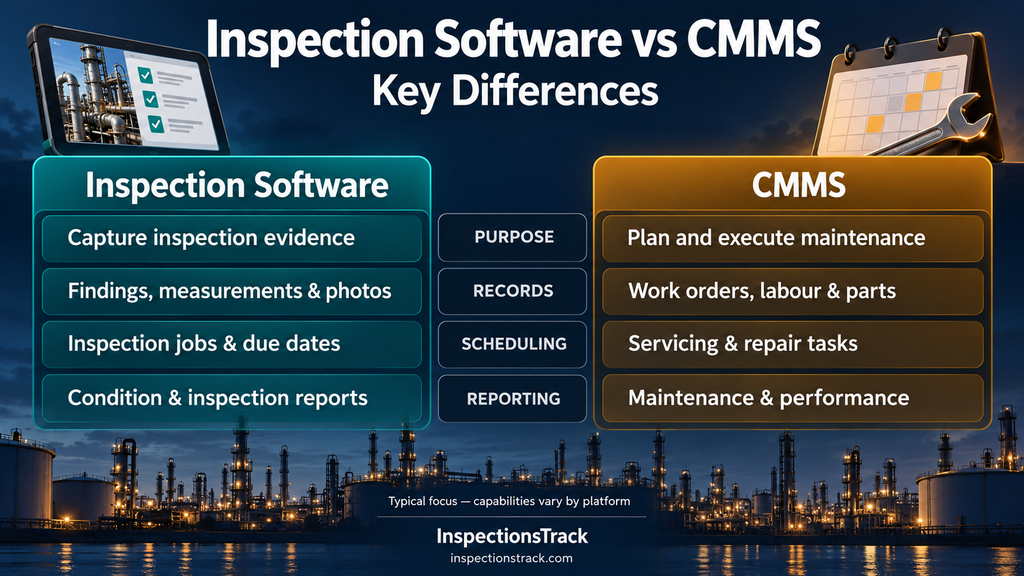
The table below compares typical areas of emphasis. However, some CMMS platforms offer substantial inspection functions, while some inspection platforms also manage assets and corrective actions.
| Decision area | Inspection software typically emphasises | CMMS typically emphasises |
|---|---|---|
| Main purpose | Inspection findings and technical evidence | Maintenance planning and execution |
| Primary users | Inspectors, inspection coordinators and technical reviewers | Maintenance planners, technicians and supervisors |
| Core records | Findings, measurements, photographs and inspection reports | Work orders, service history, labour and parts |
| Scheduling focus | Inspection jobs and examination due dates | Preventive maintenance and repair tasks |
| Reporting focus | Asset condition and inspection deliverables | Maintenance activity and equipment performance |
| Main buying question | Can we capture, review and report the required evidence? | Can we plan, resource and track the required work? |
These distinctions reflect the inspection workflow described by InspectionsTrack and the maintenance functions outlined by IBM. Therefore, compare actual workflows and outputs before deciding which category fits your organisation. inspectionstrack
If your company performs inspections for clients, prioritise the journey from field findings to reviewed reports.
For example, ask a vendor to demonstrate one complete lifting gear inspection using your equipment identifiers, photographs and reporting requirements. Then, check whether the reviewer can find the supporting evidence without searching separate folders.
A basic pass-or-fail checklist may not capture everything your inspection process requires. Instead, your team may need structured measurements, defect locations, test references and supporting documents.
Consequently, test the software with a representative NDT or equipment inspection record before committing.
For offshore and remote work, evaluate offline data capture and subsequent synchronisation.
In particular, test what happens when a connection fails during an inspection. Also, confirm how users identify unsynchronised records and resolve conflicting updates.
A CMMS deserves priority when your main challenge is organising maintenance activity. For example, your team may struggle to assign repairs, track servicing or identify the parts required for upcoming work.
Before choosing a system, consider these questions:
However, do not assume that a maintenance system automatically meets every technical inspection requirement. Demonstrate the inspection workflow separately if it forms part of your scope.
Your team may need both when it must manage detailed inspection evidence and organise the maintenance that follows. However, separate platforms only make sense if they provide useful capabilities without creating excessive duplicate work.
Consider this illustrative workflow:
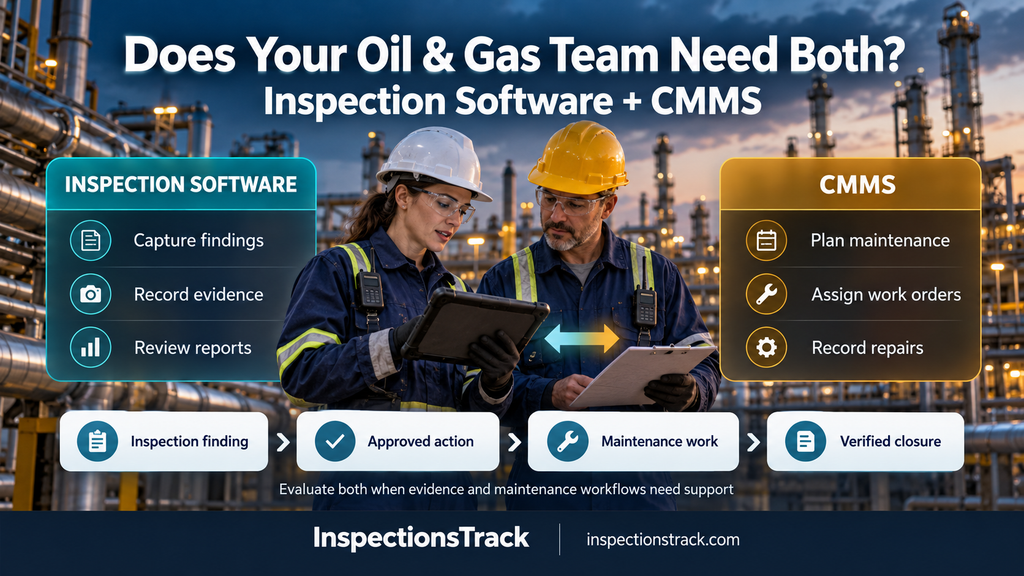
A maintenance work order can organise corrective work arising from an inspection. However, completing that work does not necessarily complete the inspection review or equipment release process. IBM
Therefore, define who approves repairs, verifies closure and authorises equipment use within your own procedures.
Before planning an integration, agree on shared asset identifiers and which system owns each record.
Then, define the information that must move between teams: finding references, priorities, evidence links, work order numbers and closure status.
Also, ask vendors to demonstrate supported interfaces, exports or APIs. Treat automated integration as a requirement to verify, rather than a capability to assume.
InspectionsTrack is an option for oil and gas teams that need specialist inspection management and reporting. Its published modules include NDT, lifting gear, DROPS, cranes and winches, EX surveys and planned inspections.
Additionally, its mobile application stores collected data locally and synchronises it to the server over an internet connection. The platform also describes online access to reports, certificates, registers and corrective actions.
For inspection service providers, these functions make InspectionsTrack worth evaluating against field data collection and client reporting needs.
If your organisation also requires maintenance planning, assess those requirements separately. Then, confirm whether your existing CMMS and the proposed inspection workflow can exchange the information your team needs.
Start with one real job rather than a long feature list. Next, ask each vendor to demonstrate the process from initial assignment through final review.
During the trial, compare:
Finally, involve the people who will use the system daily before selecting it.
Read more : How to Migrate Inspection Records from Excel Without Losing Asset History
Yes. Some CMMS products support inspection checklists and scheduling. However, verify whether the specific platform handles your technical data, review process and report format.
It depends on your maintenance requirements. If you need comprehensive work planning and parts management, demonstrate those functions before replacing your CMMS.
An inspection contractor should usually evaluate inspection software first when technical inspections and client reports form its main service. However, its own equipment maintenance may require additional capabilities.
Inspection software vs CMMS is a workflow decision. Inspection software supports the collection and reporting of inspection evidence, while a CMMS focuses on organising maintenance activity.
Therefore, start with the process causing your team the most difficulty. If field inspection data and client reporting are your priorities, request an InspectionsTrack demonstration using one of your real inspection workflows. Then, assess any maintenance and integration requirements alongside it.
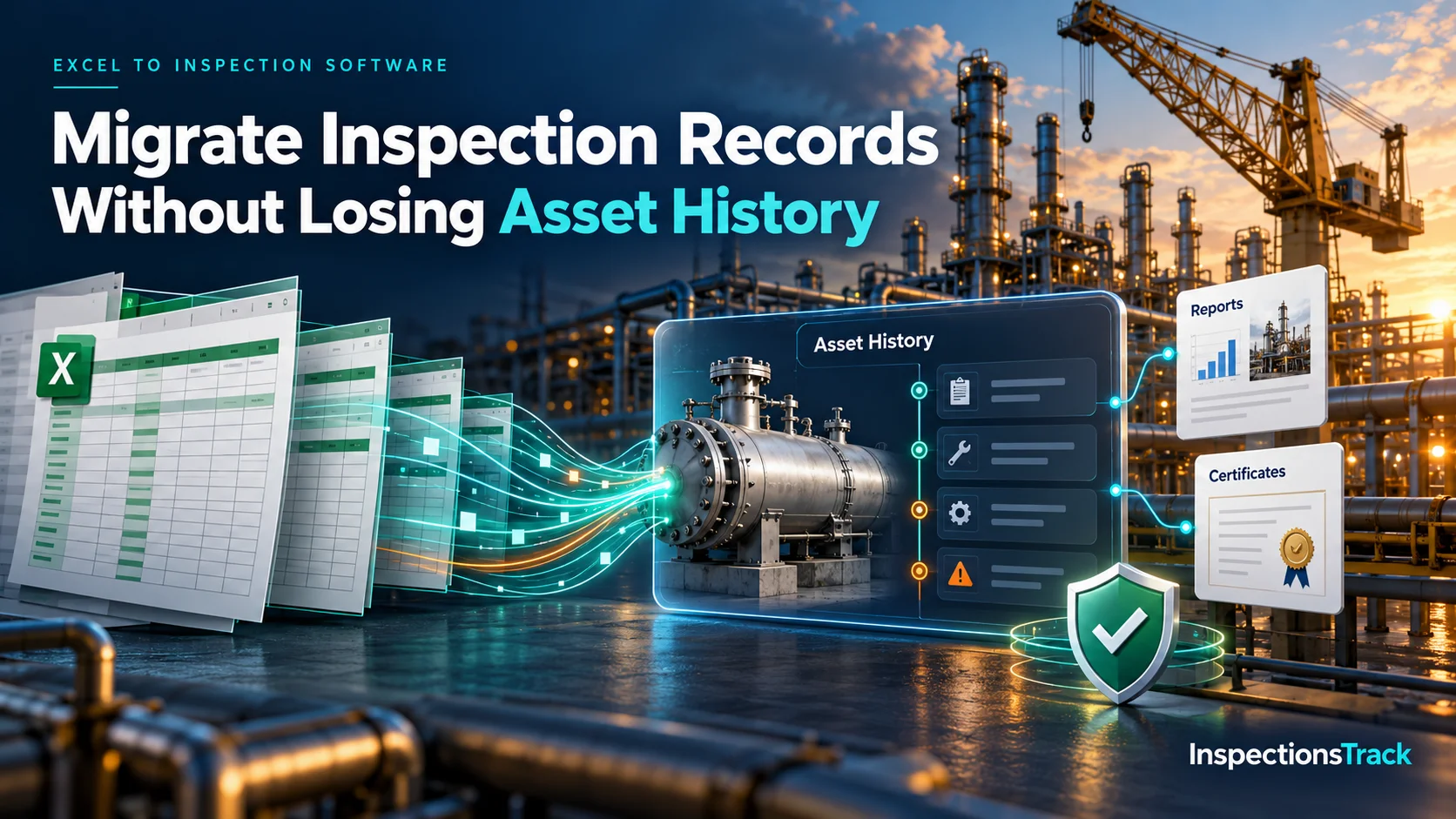
Moving inspection records from Excel into dedicated inspection management software can improve data accuracy, reporting, and asset visibility. However, a poorly planned migration can also create duplicate assets, missing inspection dates, broken certificate links, and…
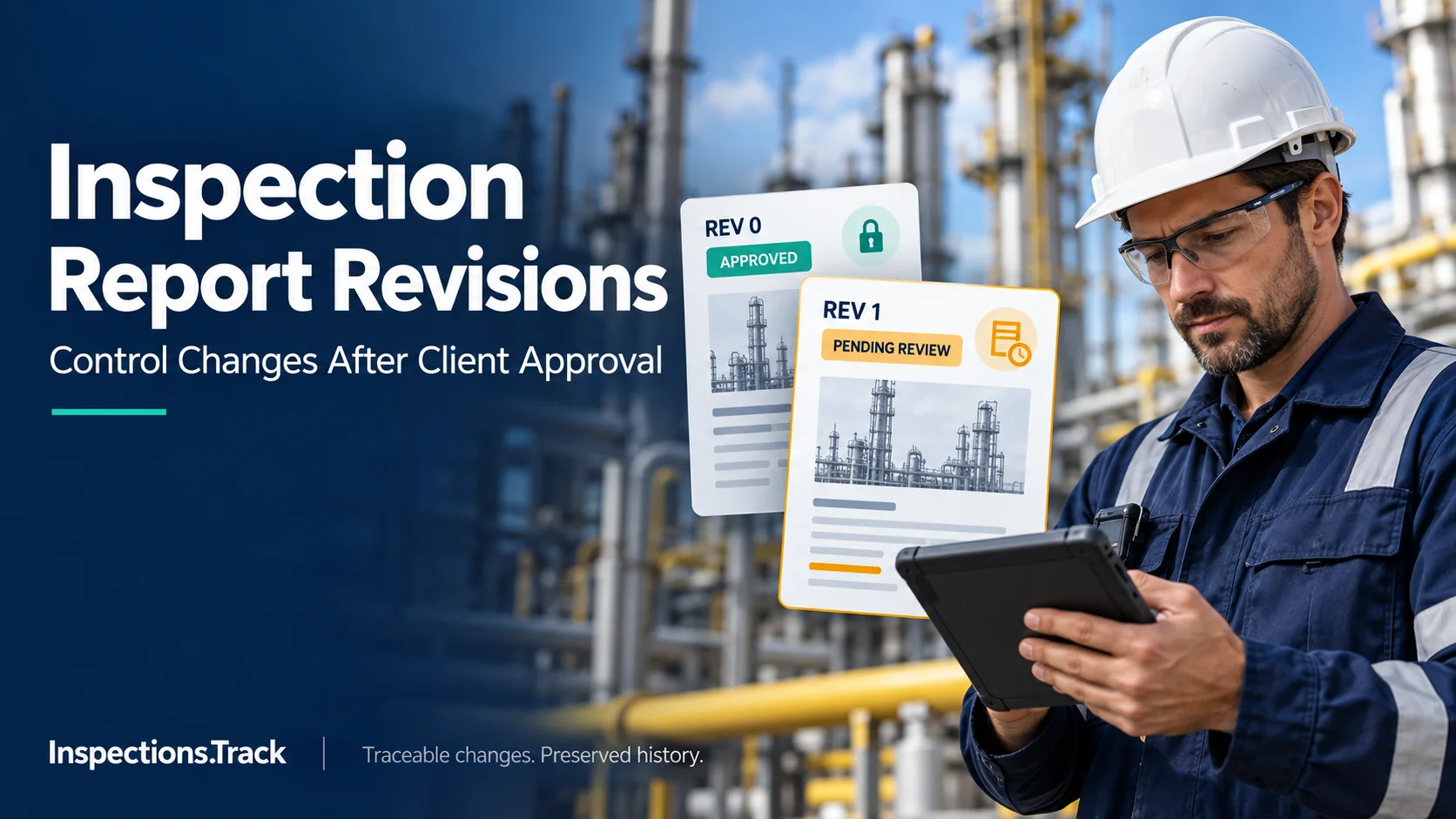
An inspection report may be approved by a client, but that does not always mean the document is final forever. In oil and gas inspection projects, new evidence, technical corrections, client requests, or internal reviews…


