
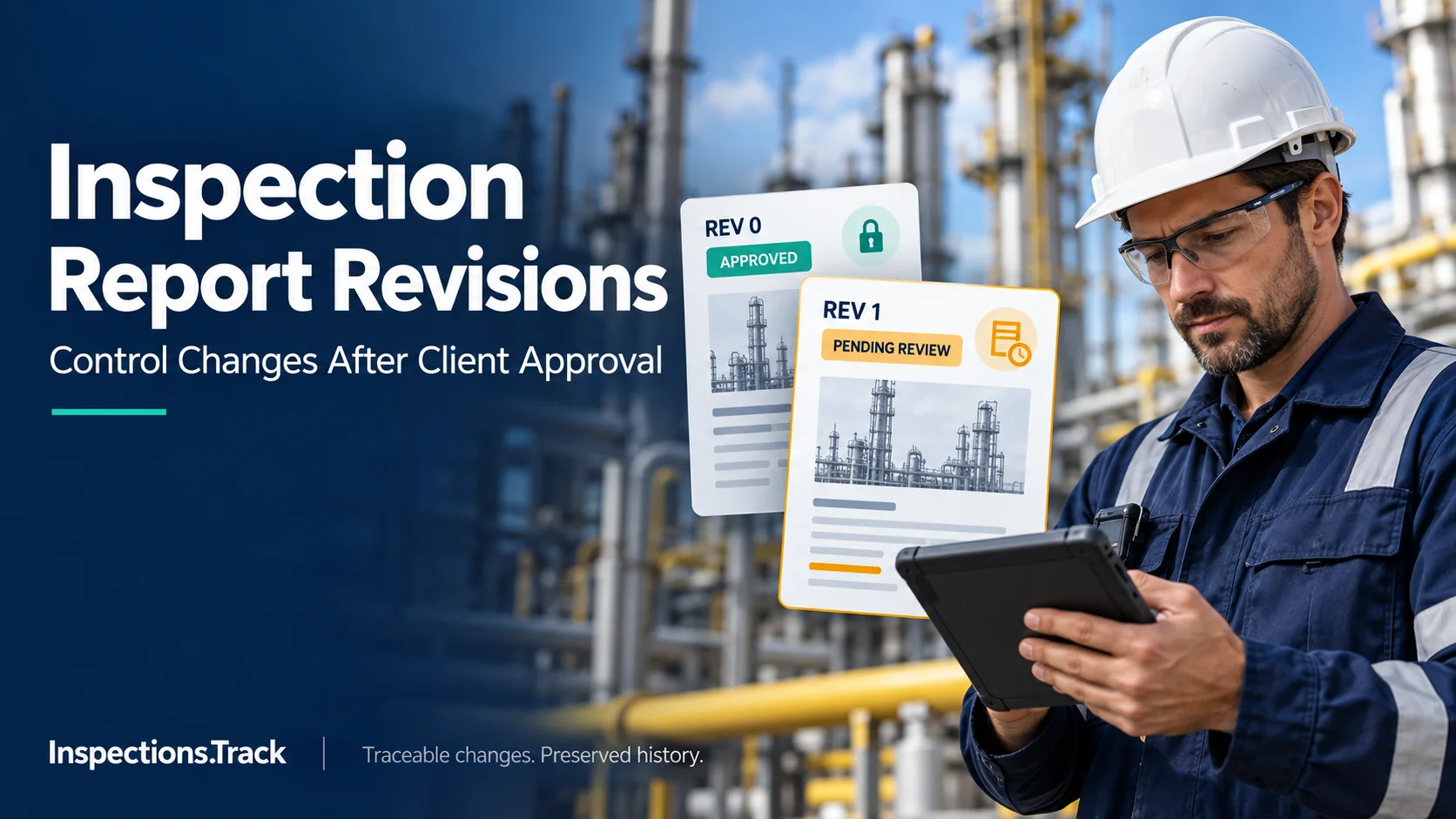
An inspection report may be approved by a client, but that does not always mean the document is final forever. In oil and gas inspection projects, new evidence, technical corrections, client requests, or internal reviews can sometimes require a report to be updated.
However, changing an approved inspection report without proper controls can create confusion.
Which version is correct? Who changed the report? Why was the change made? Was the client informed? And can the inspection team prove what was changed?
For inspection companies, inspection report revision control is therefore an important part of quality management, traceability, and audit readiness.
Inspection reports often contain important technical information, including inspection findings, measurements, photographs, certificates, recommendations, and asset details.
Once a client approves a report, uncontrolled changes can create several problems:
Therefore, every post-approval change should follow a defined inspection report revision process.
Not every revision happens for the same reason. In practice, common triggers include:
| Revision Trigger | Example |
|---|---|
| Technical correction | Incorrect measurement or inspection detail |
| Missing evidence | Additional photograph or certificate added |
| Client request | Client asks for clarification |
| Scope change | Additional inspection item included |
| Review finding | Internal QA review identifies an issue |
| Compliance requirement | Information needs to meet a required standard |
| Formatting correction | Non-technical document error |
The important point is that the reason for the revision should be recorded along with the updated report.
A reliable inspection report revision control system should make the history of a document easy to understand.
At minimum, each revision should identify:
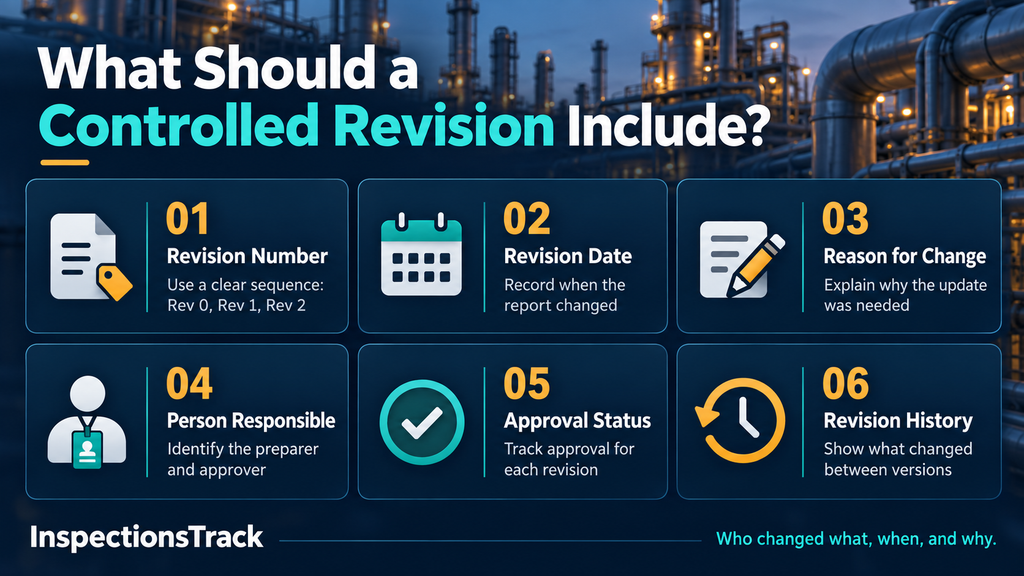
Use a clear sequence such as:
Rev 0 → Rev 1 → Rev 2
This makes it immediately clear which version came first and which version is current.
Record when the report was changed. This provides a useful timeline for project and audit records.
A short explanation can prevent unnecessary questions later.
For example:
“Updated inspection findings based on additional client-supplied evidence.”
The system should record who prepared or approved the revision.
The revised document should have its own approval status. A report that was previously approved should not automatically remain approved after a material change.
A revision history should show what changed between versions.
This creates a clear audit trail for inspection reports.
A simple controlled workflow can reduce the risk of accidental changes.
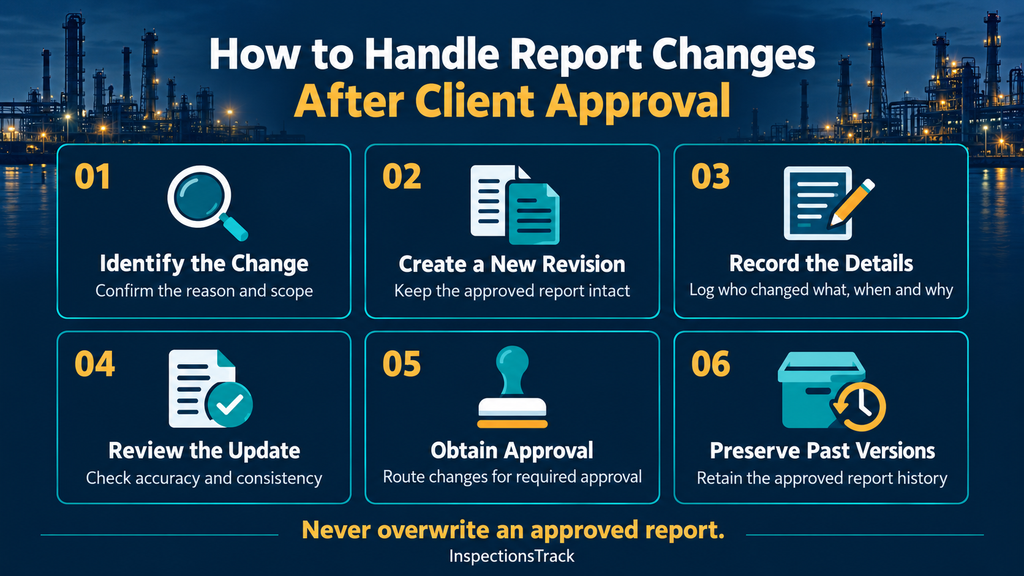
First, determine why the approved report needs to be changed.
Is it a correction, additional evidence, a client request, or a change in inspection scope?
Do not overwrite the previously approved report.
Instead, create a new revision that remains connected to the original inspection record.
Add the revision reason, date, user, and relevant details.
A responsible reviewer should verify that the change is accurate and that it does not introduce inconsistencies elsewhere in the report.
If the change affects technical findings or other approved information, the revised report should go through the appropriate client approval process.
The previous approved version should remain available as part of the inspection history.
This is particularly important when inspection teams review records months or years later.
One of the biggest mistakes is simply replacing an old PDF or document with a new one.
That approach makes it difficult to answer basic questions later.
| Uncontrolled Approach | Controlled Approach |
|---|---|
| Old report overwritten | Previous version retained |
| No clear revision number | Unique revision number |
| Change reason unclear | Change reason recorded |
| Approval history lost | Approval history preserved |
| Difficult to audit | Complete audit trail |
| Multiple files shared by email | Centralized report history |
In other words, revision control is not just about storing the latest report. It is about preserving the story behind every change.
Managing revisions manually becomes difficult when inspection teams handle hundreds or thousands of reports.
This is where inspection management software can help.
InspectionsTrack Software Suite helps inspection companies manage inspections across oil and gas, NDT, offshore inspection, asset integrity, and industrial inspection.
The platform brings inspection jobs, reports, documents, certificates, approvals, assets, and inspection history into a connected system to generate a final inspections report .
Instead of relying on separate folders and email attachments, inspection teams can maintain a structured digital record for each inspection.
With a centralized inspection platform, teams can improve:
Moreover, these capabilities help inspection teams manage projects more effectively when multiple inspectors, reviewers, coordinators, and clients work together.
To make the process reliable, inspection companies should establish a few simple rules.
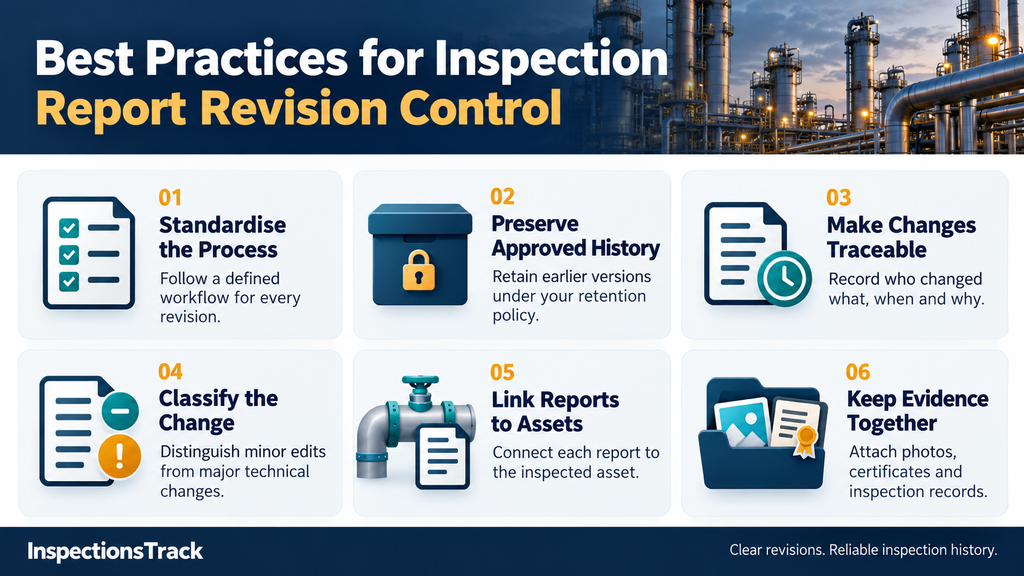
Every post-approval change should follow the same basic workflow.
Keep previous versions available according to your document retention requirements.
Record who changed what, when, and why.
A formatting correction may require a different review process from a change to a critical inspection finding.
Connecting reports to the inspected asset makes future inspections easier to review and compare.
Photos, certificates, checklists, measurements, and other supporting evidence should remain connected to the relevant inspection record.
Read more : What Should an Inspection Test Plan Include? An Oil & Gas ITP Checklist
Yes. However, a post-approval change should normally be handled as a controlled revision rather than silently replacing the approved report.
Revision history shows how a report changed over time. It can help inspection teams demonstrate accountability, maintain traceability, and respond to client or audit questions.
It should typically include the revision number, date, reason for change, responsible user, approval status, and a description of the changes.
Inspection software can centralize reports, approvals, documents, evidence, inspection history, and audit information. This reduces reliance on scattered files and manual tracking.
Client approval does not always end an inspection report’s lifecycle. Instead, when a report needs an update, inspection teams should clearly document what changed, why it changed, who made the change, and which version received approval.
For oil and gas inspection companies, this level of control supports better traceability, stronger audit readiness, and more reliable inspection history.
With a dedicated platform such as InspectionsTrack, inspection teams can move beyond manual report folders and email-based revision tracking toward a more connected approach to inspection management and document control.

Your inspectors identify equipment defects, while your maintenance team plans the repairs. However, when both teams rely on disconnected spreadsheets and reports, important findings can lose their connection to the actions they require. Choose inspection…
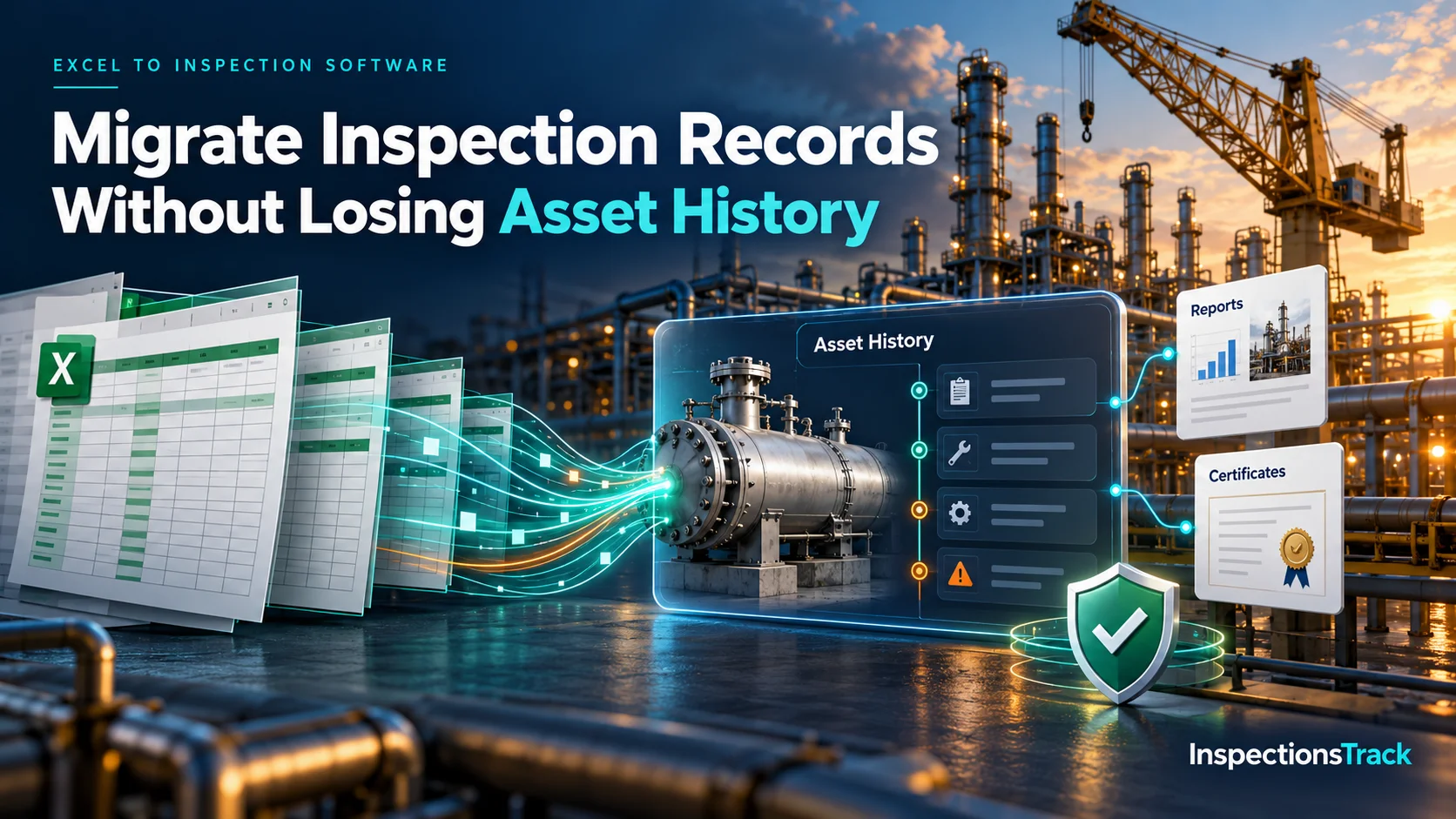
Moving inspection records from Excel into dedicated inspection management software can improve data accuracy, reporting, and asset visibility. However, a poorly planned migration can also create duplicate assets, missing inspection dates, broken certificate links, and…


