

A lifting sling arrives at an offshore site with a certificate in an email attachment. However, the supervisor cannot confirm whether it matches the equipment or whether a later inspection identified a defect.
Inspection certificate management connects each certificate to the correct asset, tracks its expiry or next inspection date, and keeps equipment status visible. As a result, teams can identify documentation gaps and plan renewals before mobilisation.
For oil and gas inspection companies, the goal is simple: know what evidence exists, when action is due, and whether equipment has approval for its intended use.
Inspection certificate management is the process of organising, verifying and maintaining equipment inspection documents throughout an asset’s lifecycle.
It connects certificates and reports with asset identification, inspection results, due dates and approval records. Therefore, teams can review an equipment item’s history without searching disconnected folders.
Depending on the inspection scope, records may include:
However, these documents serve different purposes. A calibration certificate records measurement performance, while an NDT report records findings within a defined test scope.
A current certificate does not automatically mean equipment is ready for use. Damage, unresolved defects or operating restrictions can affect its suitability before the next scheduled inspection.
For example, Great Britain’s HSE guidance requires action on dangerous lifting-equipment defects and recognises that exceptional circumstances can trigger additional examinations. Therefore, checking the calendar alone cannot establish equipment readiness.
Keep three separate fields:
| Field | What it answers | Example |
|---|---|---|
| Document status | Is the correct, approved document available? | Approved, pending review, missing or superseded |
| Inspection due status | When is the next required action? | Current, due soon or overdue |
| Equipment disposition | What use has the responsible person authorised? | Released, restricted, quarantined or retired |
Consequently, an asset can have a current certificate and still remain quarantined. Likewise, a missing document should trigger verification rather than an assumption that the equipment has passed.
A certificate register should identify the asset, describe the document and show who owns the next action. Additionally, it should provide a direct route to the approved record.
Include these core fields:
Where applicable, also record working load limits, calibration ranges or component identifiers. However, only include technical details relevant to that equipment and inspection scope.

Start by checking the document against the equipment’s serial number or permanent asset identifier. Then confirm its description and inspection scope.
If identifiers conflict, investigate before accepting the certificate. Otherwise, an apparently valid document may support the wrong item.
Record the inspection date, issue date and next due date separately. In particular, do not calculate the next inspection from the issue date unless the applicable requirements support that approach.
Some reports specify the next examination date rather than a formal certificate expiry. Therefore, label the field accurately and record the date’s basis.
HSE guidance for lifting equipment in Great Britain, for example, distinguishes specified examination intervals from a competent person’s examination scheme. However, teams working elsewhere must check their applicable requirements rather than apply one interval globally. HSE
Use advance reminders that allow time to arrange inspection, access equipment and complete document review.
For example, a team might use this internal planning sequence:
| Reminder point | Suggested action |
|---|---|
| 60 days before due | Review upcoming workload and equipment availability |
| 30 days before due | Confirm inspection arrangements |
| 7 days before due | Escalate incomplete arrangements |
| On the due date | Apply the relevant hold or escalation procedure |
These are illustrative planning windows, not statutory intervals. Instead, adapt them to offshore logistics, equipment criticality and client requirements.
Assign a named person to arrange the inspection and another appropriate reviewer to verify the resulting document.
Additionally, define an escalation route for overdue actions. A reminder has limited value when nobody owns the response.
After inspection, check the asset identity, findings, restrictions and next due date. Then update the register and preserve the previous approved record.
Crucially, booking an inspection does not extend its due date. Likewise, uploading a replacement document should not automatically authorise equipment release.
Update equipment disposition when teams identify defects, complete repairs or approve reinspection outcomes. Meanwhile, make the current decision visible to personnel who select, dispatch or use equipment.
For an illustrative lifting-sling workflow:
As a result, the certificate history remains intact while operational status reflects the latest information.
Before mobilisation, check both the departure date and expected job duration. Equipment that is current today may require further action during the assignment.
Small recordkeeping errors can undermine the whole register. Therefore, review these recurring weaknesses:
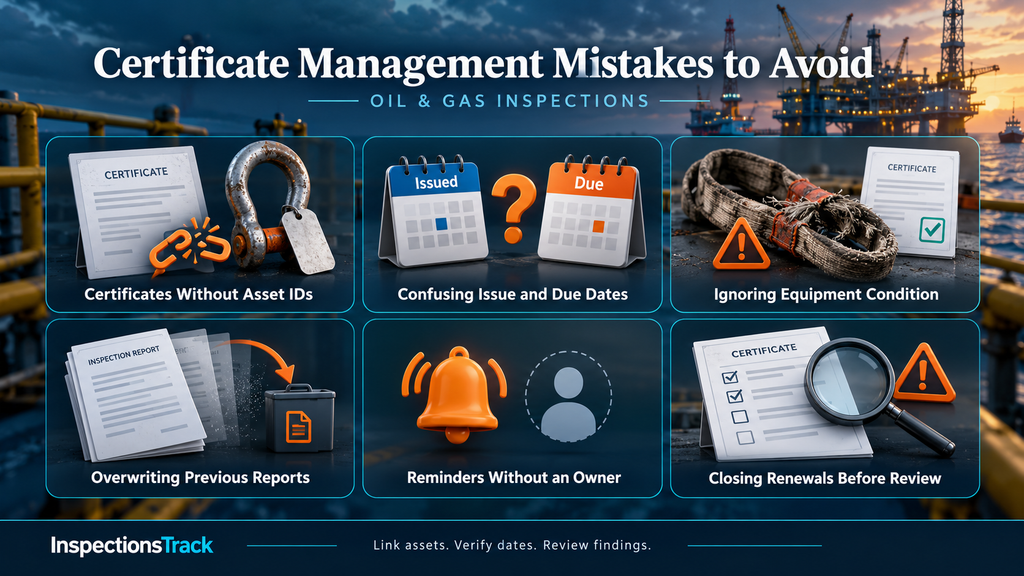
Additionally, verify that site records and office records show the same current status. Otherwise, teams may make decisions from different versions.
InspectionsTrack is inspection software for the oil and gas inspection industry. Its published product information describes certificate, register and report generation, data filtering, Excel and PDF exports, and user access controls.
Additionally, its inspection workflow covers job creation, inspector assignment, field inspections, proofreading or QA checks, and final reporting. These capabilities provide a practical foundation for organising inspection information and delivering reviewed documents.
For certificate management, evaluate the platform against your actual process. During a demonstration, ask the team to show:
Consequently, your evaluation can focus on a real workflow rather than a general feature list.
Book an InspectionsTrack demonstration using one equipment category and a sample certificate register. Then review the process from inspection capture to QA, certificate delivery and the next required action.
No. Some documents specify expiry dates, while others record findings and a next inspection date. Therefore, track the actual requirement rather than assign the same validity period to every document.
Yes. Damage or a new defect can affect equipment before its scheduled inspection. Consequently, teams must consider current condition and restrictions alongside certificate dates.
Yes, provided the team controls updates, document links, ownership and version history. However, increasing asset numbers and multiple users can make those controls harder to maintain.
Flag the overdue requirement, notify the responsible person and apply the relevant equipment-control procedure. Then arrange the required inspection and verify its outcome before recording any release decision.

Your inspectors identify equipment defects, while your maintenance team plans the repairs. However, when both teams rely on disconnected spreadsheets and reports, important findings can lose their connection to the actions they require. Choose inspection…
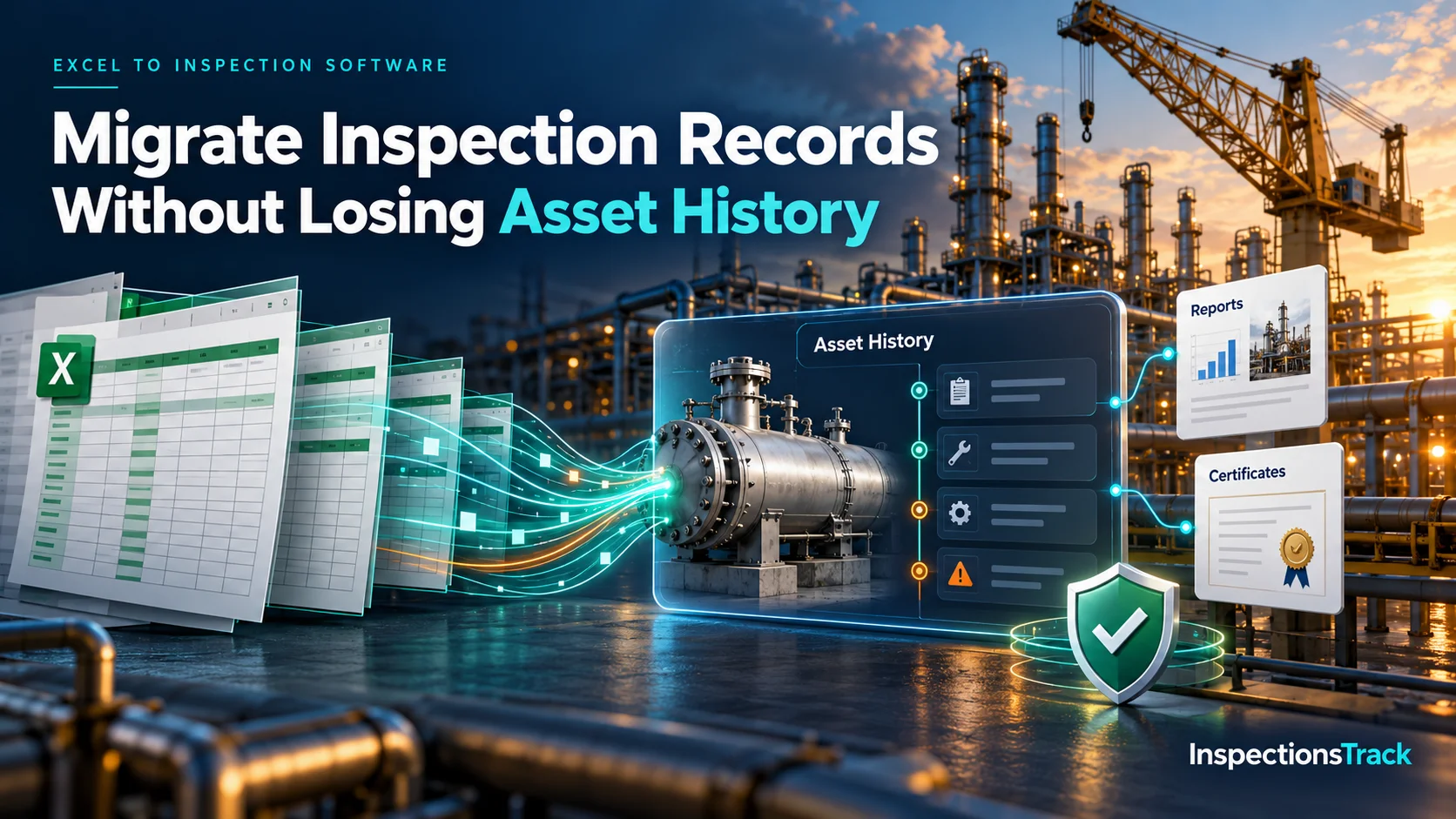
Moving inspection records from Excel into dedicated inspection management software can improve data accuracy, reporting, and asset visibility. However, a poorly planned migration can also create duplicate assets, missing inspection dates, broken certificate links, and…


